

50 Words or Less
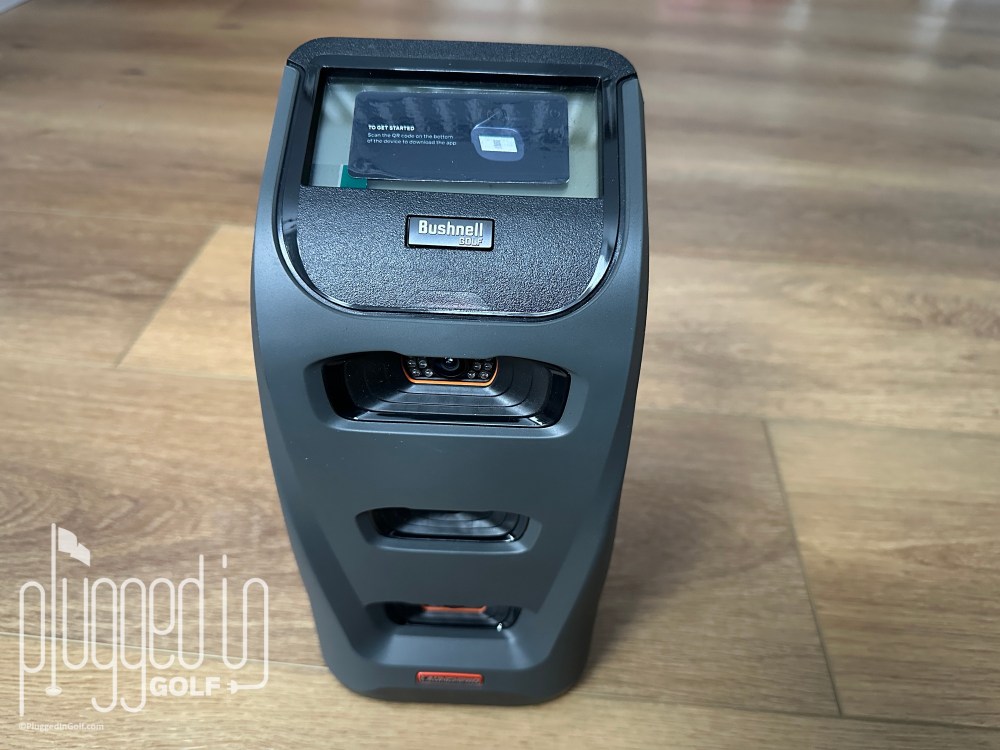
The Bushnell Launch Pro Circle B launch monitor is arguably the best value in professional grade launch monitors. Excellent accuracy and a strong array of metrics. Powers golf simulation on multiple platforms. Easy to use.
Introduction
From groceries to golf clubs, skyrocketing prices have become the norm in the last couple years. Corporations are giving us less and expecting us to pay more. The Bushnell Launch Pro Circle B is a refreshing counter to this disturbing trend. With a significantly lower purchase price and no subscription required, the Launch Pro Circle B may now be the best value in professional grade launch monitors. [See Price / Buy]
Find my original review of the Launch Pro review HERE
Set Up & Ease of Use
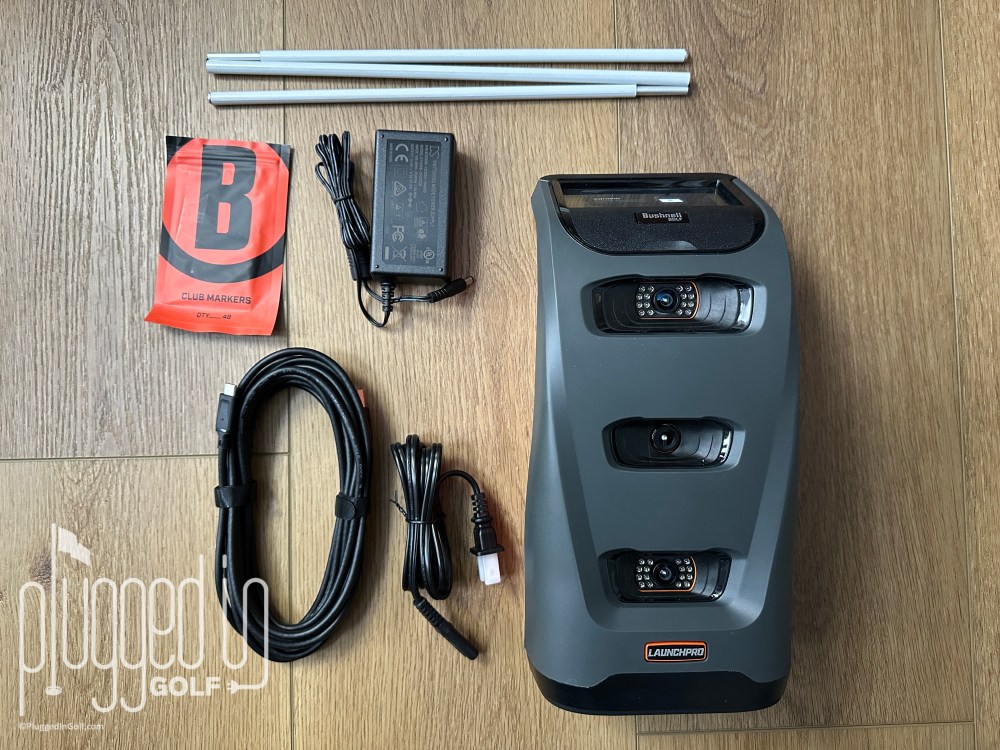
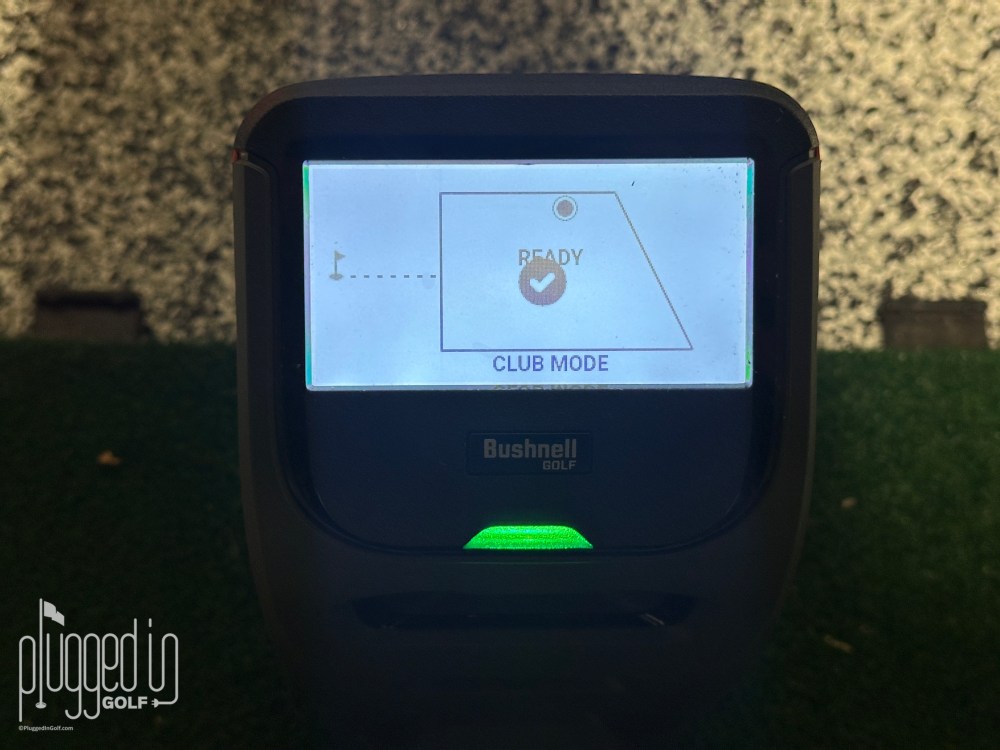
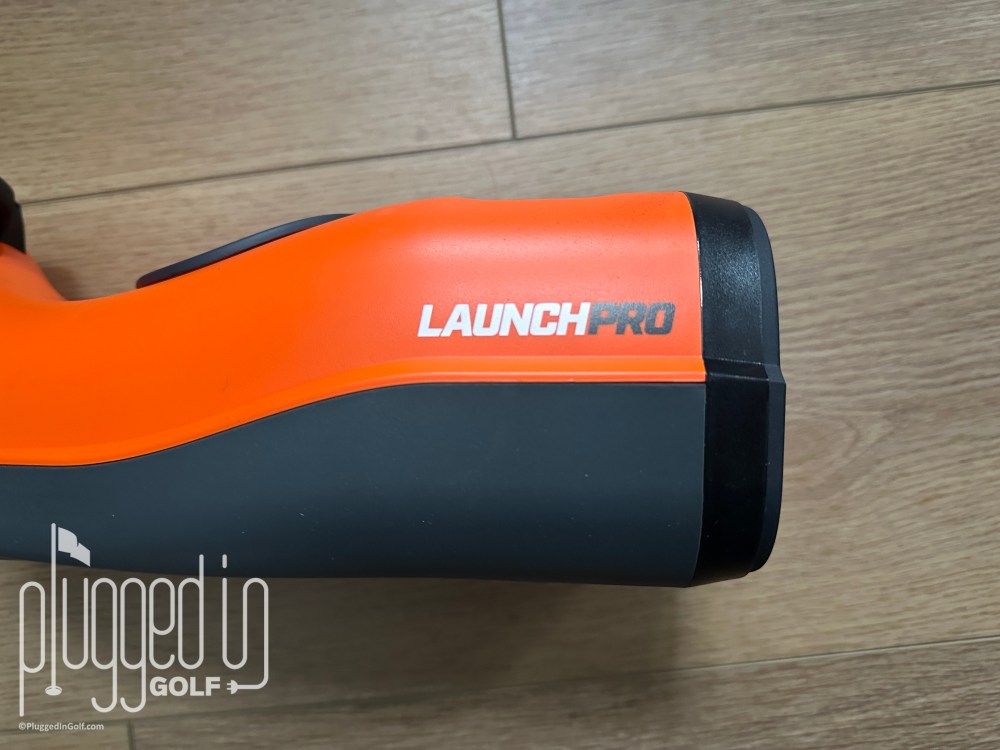
Like all Foresight launch monitors (the Launch Pro is essentially an orange Foresight GC3), the Bushnell Launch Pro Circle B is incredibly easy to use. Set the unit down, power it up, hit balls. Thanks to the built-in touchscreen, that’s all you need to do to get professional-grade launch monitor data.
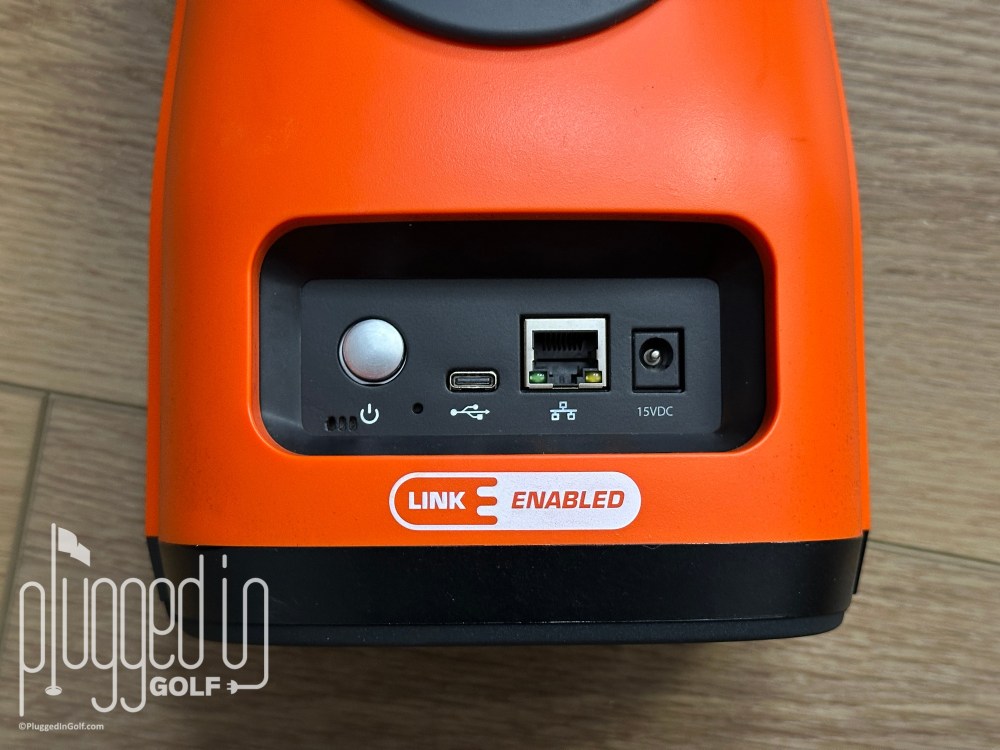
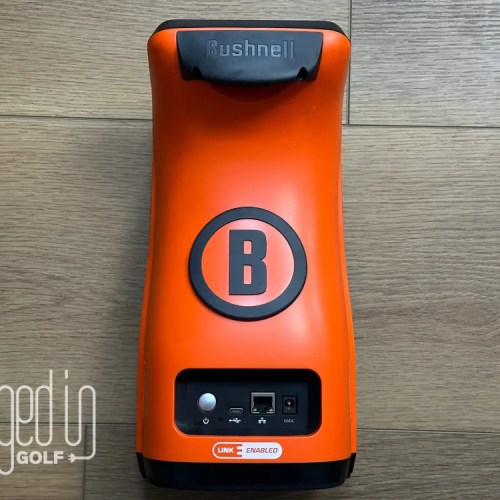
On the back of the unit, you’ll find the power button, the charging port, a USB-C connection, and an ethernet port. The latter two can be used to connect the Bushnell Launch Pro Circle B to your computer or the internet for firmware updates or golf simulation. Frustratingly, both of these functions are PC only.
Also included in the box with the Launch Pro are the alignment stick and the club markers. To get the most accurate data, simply drop the alignment stick along your target line before you start hitting balls. The club markers are small stickers that you apply to your club face to gather club data.
Accuracy & Features
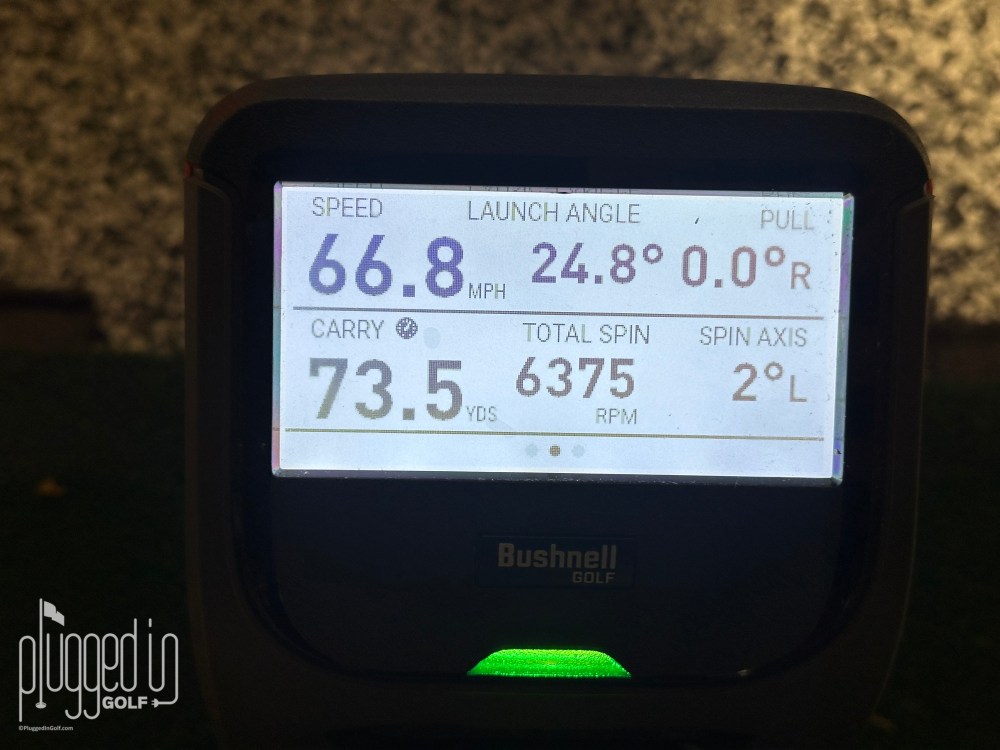
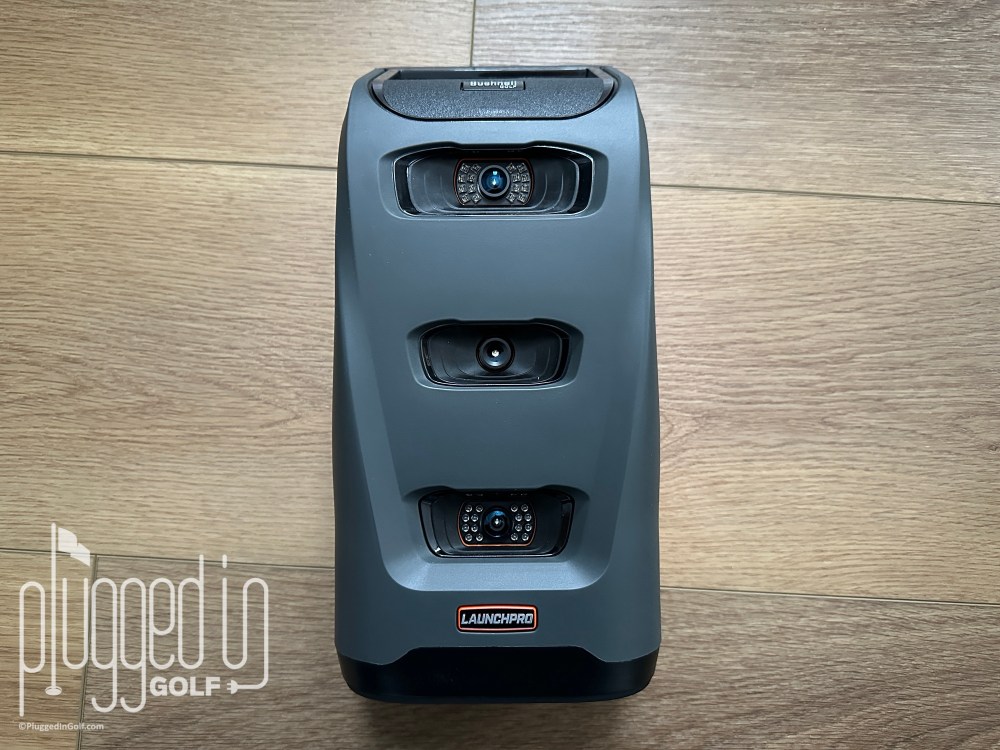
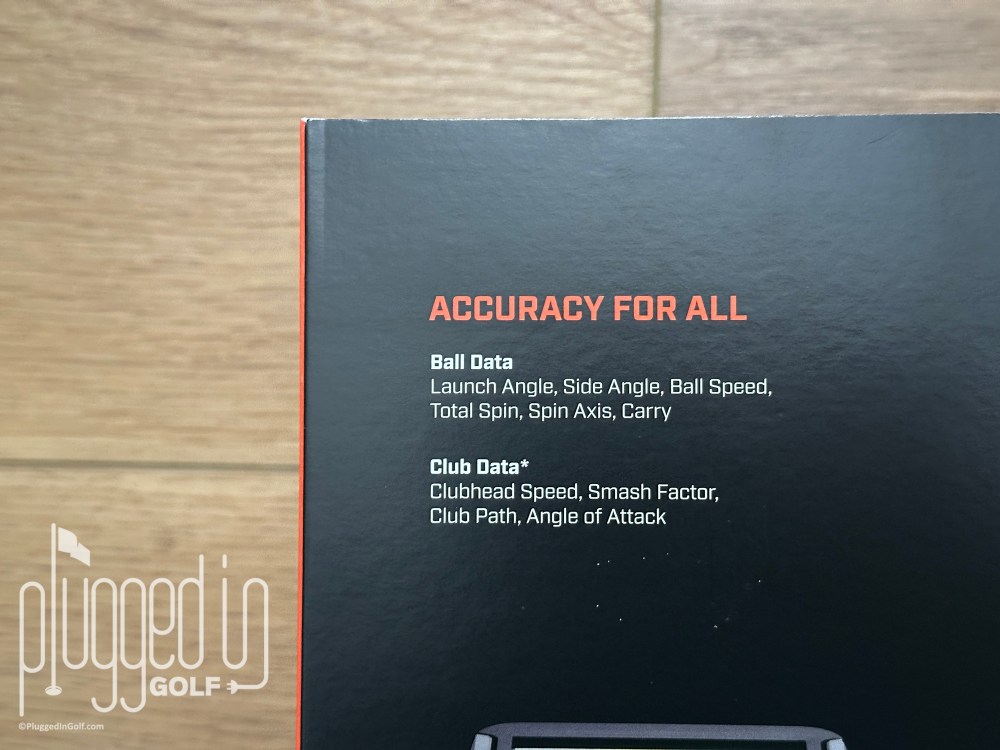
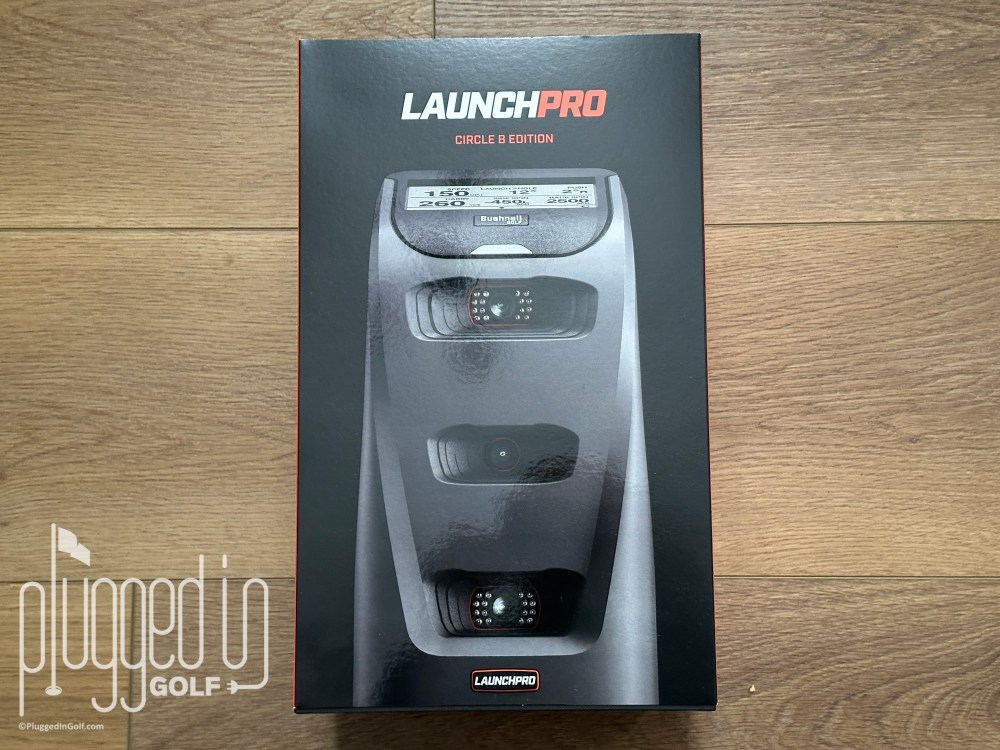
The Bushnell Launch Pro Circle B launch monitor measures eight golf ball data points and four club head data points. Ball data includes carry distance, ball speed, total spin, back spin, side spin, spin tilt axis, launch angle, and horizontal launch angle. The club data is club head speed, smash factor, club path, and angle of attack.
This data is captured on a three-camera system and displayed directly on the unit. To test it, I ran it side by side with my Foresight GCQuad. The results were even better than I remembered from my original review. Ball speed was typically an exact match. Spin rates were within tens of each other. Launch angles differed by less than a degree. Across every metric, both machines matched each other, were internally consistent, and logical. My conclusion from the original Launch Pro review stands: I would have no problem trusting the data from the Bushnell Launch Pro Circle B for my reviews, a fitting, or my own improvement. [See Price / Buy]
Something that’s unique to the Bushnell Launch Pro Circle B is that it’s LINK Enabled. In short, this allows you to feed the data from your launch monitor sessions into the Bushnell app so that your rangefinder can make personalized club recommendations for each shot. This is only available if you have a Pro X3 [review HERE], ProX3+ [review HERE], or Tour V7 [review HERE] rangefinder from Bushnell, though more LINK Enabled rangefinders are coming soon. While this does require a level of comfort with and willingness to use technology, the results are like having a real caddie in your rangefinder. The system takes into account the environmental conditions, slope, as well as your launch data and dispersion to help put the right club in your hands.

Foresight App
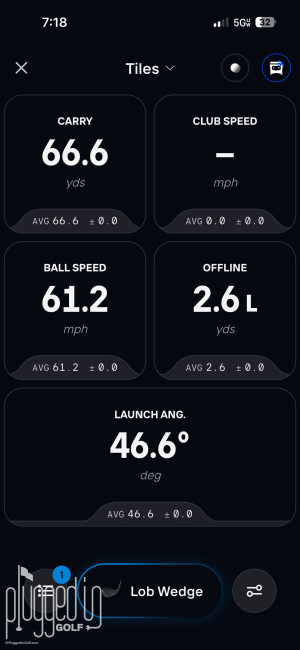
If you want to use the LINK Enabled feature or save your data, you’ll need to connect your Bushnell Launch Pro Circle B to the Foresight App (available on iOS and Android). Compared to Foresight’s PC software, this is a pretty basic launch monitor app.* Above, you can see the normal data display on the left and the club data display on the right (club data not actually displayed as I didn’t have club markers on for that shot).
*Foresight launched a wholesale renovation of the app the day after I finished this review. I will update this to reflect the new app in the coming weeks.
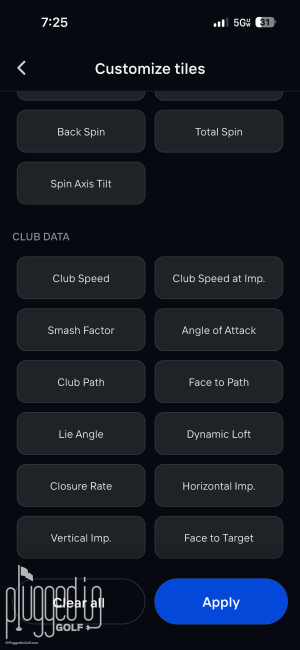
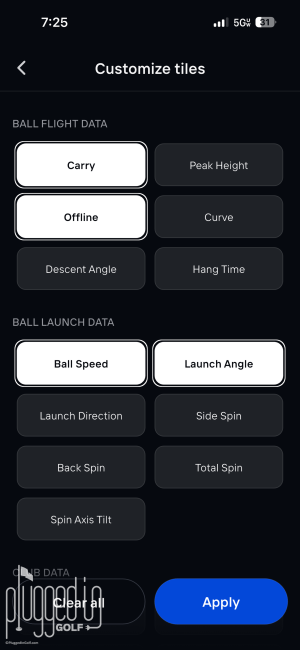
As you can see above, the data display can be customized. To me, customizing your data display correctly is one of the most important things you can do if you want to improve your game. Turn off everything that isn’t the focus of your practice. For most golfers, I would suggest turning on smash factor and carry distance and leaving the rest alone.
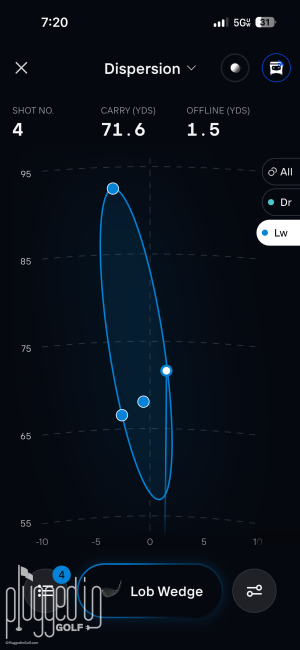
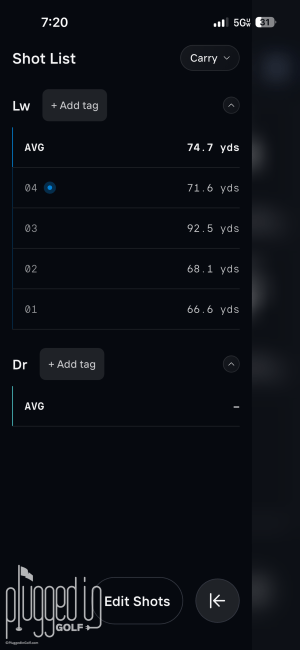
Above you can see two other data displays: dispersion and a table of all your shots from the session. These are both very helpful for understanding your ball striking.
Overall, the Foresight App is fine, but it’s a bit disappointing given the quality of the hardware*. The app loses its connection to the device if your phone shuts off or if you switch apps. In 2026, this shouldn’t be the case. Also, I’d like to see Foresight or Bushnell put some amount of gamification or training into the app instead of putting it all on the PC-only software.
*Foresight launched a wholesale renovation of the app the day after I finished this review. I will update this to reflect the new app in the coming weeks. [See Price / Buy]
Golf Simulation
The Bushnell Launch Pro Circle B is capable of powering golf simulation through a variety of platforms. With the Silver subscription (more details on this in Value), you can play in Foresight’s FSX Play software or PinSeeker. If you move up to the Gold subscription, you can connect to GSPro, which has amazing 4K graphics and over 1,000 courses. Using the non-native software can add additional costs. I will note again that if you want to connect your Launch Pro to a computer, it must be a PC.
Bushnell Launch Pro Circle B vs. Foresight GCQuad
The Bushnell Launch Pro Circle B is the same device as the Foresight GC3. By either name, it’s the little brother to the Foresight GCQuad [review HERE]. There’s a sizable disparity in price that covers the following differences:
- The Quad uses four cameras to capture the ball and club, the Launch Pro uses three.
- The Launch Pro has all the same data points for the ball but is lacking some club metrics: closure rate, loft/lie, impact location, and face angle.
- The Launch Pro does not have a dedicated putting mode.
- The Launch Pro has a touchscreen where the Quad has an array of buttons, but the display on the Launch Pro is not as crisp or quick in refreshing as the Quad’s.
- The Quad has a much larger hitting zone – 252 square inches vs. just 70.
Value
The Bushnell Launch Pro Circle B Edition costs $2,500. You can support Plugged In Golf at no additional cost by purchasing it HERE.
For the base purchase price, you get access to all the golf ball data. To get more, you need to pay for a subscription. Bushnell offers two annual subscription plans – Silver for $199/year and Gold for $499/year. Both Silver and Gold give the user full access to the app, club data, and compatibility with the FSX and PinSeeker software platforms. At the Silver level, users get 5 courses on FSX Play. Bumping up to Gold opens up 25 courses and compatibility with GSPro. The third party software platforms may come with additional costs of their own.
Bushnell also offers the Launch Pro Indoor or Launch Pro i for $1,500. This is a stripped down Launch Pro: no battery, no screen, and no access to any data unless you have an active subscription. I would not recommend buying the Launch Pro Indoor.
Turning back to the Bushnell Launch Pro Circle B, I think it’s a strong value given the excellent accuracy. The nearest competitors are the Full Swing Kit [review HERE] and the FlightScope Mevo Gen2 [review HERE]. Those devices cost $5,000 and $1,300, respectively. I love the Full Swing Kit, but unless you hate subscriptions as much as I do, it’s hard to justify a purchase price that’s twice as high. The Mevo Gen2 is a compelling option, however it lacks a screen and the price jumps up to $2,150 when you add the full complement of software. If I were buying a launch monitor, I would likely opt for the Bushnell Launch Pro Circle B edition. [See Price / Buy]
Conclusion
If you want to make the jump up to a professional grade launch monitor but don’t want it to cost as much as a car, the Bushnell Launch Pro Circle B is a great option. This has superb accuracy, it’s easy to use, and it can work with new Bushnell rangefinders to improve your on-course strategy.
The all-new, Circle B Edition Launch Pro features a bold new look, powered by the same industry-leading technology preferred by consumers, fitters, coaches, retailers, and course operators. Engineered for confidence on the range, in the sim room, and even on Tour.

He founded Plugged In Golf in 2013 with the goal of helping all golfers play better and enjoy the game more.
Matt lives in the northwest suburbs of Chicago with his wife and two daughters.
- Aldila Rogue ∞ Blue Shaft Review - October 9, 2026
- Avoda Golf W2 Wedge Review - October 8, 2026
- SlackBoard Review - October 7, 2026










Join the Conversation | 14 Comments
Matt – I am confused, do you need to purchase the subscription in order to receive all the data metrics? Are you still able to use the app if you do not pay for the silver or gold? I just want a device that gives accurate ball and club data when I go to the range. It would also be nice to see the ball flight in an app if hitting into a net. I just do not want to add subscription fees every year.
Cheers!
The ball data is available without a subscription. The club data requires a subscription.
-Matt
Without a subscription you get the ball data displayed on the monitor’s screen.
So they updated virtually nothing and are charging more for it?
Did you read the review? The retail price is $1,000 LESS and there’s no subscription required.
-Matt
Can’t connect to Mac platform?? Why??
Believe me, I’d love to know. What’s more annoying is that this is not unique to Bushnell/Foresight, it’s an issue with other launch monitor brands, too.
-Matt
Where does the new launch monitor from Shot Scope fit into this discussion of the market? I note your careful use of “professional” in your analysis. Perhaps the new LM1 fails to meet your pro label?
Jyoti,
I haven’t tested the LM1 yet, so I can’t speak to its accuracy.
To me, there’s a clear dividing line between professional and consumer grade launch monitors, and I want to highlight that difference. While I think the LM1 is going to be excellent, it’s unrealistic to think a $200 device is going to offer the same accuracy and depth of data as one that costs $2,000 or $20,000.
Best,
Matt
Hi Matt,
Most of us can’t hit real balls at a range. Does this make adjustments from range balls to real balls in order for the club selection feature to work accurately? Thanks!
Jim
Jim,
I didn’t see that option in the app, though I’m open to being wrong.
My advice would be that, if you’re going to rely heavily on LINK, only gather that data when you’re hitting “real” balls.
Best,
Matt
In my book, the Square Omni beats this by a large margin, with 4 cameras and at $900 less and no subscription fees.
Matt,
I have been looking at purchasing the Circle B Pro LPI.
The Indoor edition to me feels like a better fit. I do not plan on taking the monitor to the range so having it stripped of the battery and touch screen doesn’t bother me. It is also required to be hooked up to a pc (I will be using an Ipad or a Laptop). From there I will connect an Hdmi to a TV.
I have a mat I can hit on in my garage and a net so it would complete a full, but not fancy, simulator build that I can practice on at a much lower price point. I plan on paying for the gold subscription. Even paying for this, it would take 7+ years to reach the cost of a Quad and by that time I am sure i will be ready to upgrade my setup.
With all of this information, would you still not recommend the LPI? Is there a piece of information i am missing somewhere? I can barley find any in depth reviews of the LPI on the internet.
Nick,
You’re describing the only potential case for the LPi. If it were me, I’d still buy the regular Launch Pro because I’d want the option of using it outdoors, and I would think the LP would have much better resale value than the LPi, which, since you mentioned upgrading, should factor in to some degree.
As always, I don’t spend other people’s money, I’m just sharing my thoughts. I hope you enjoy the set up, regardless of which way you go.
Best,
Matt