

50 Words or Less
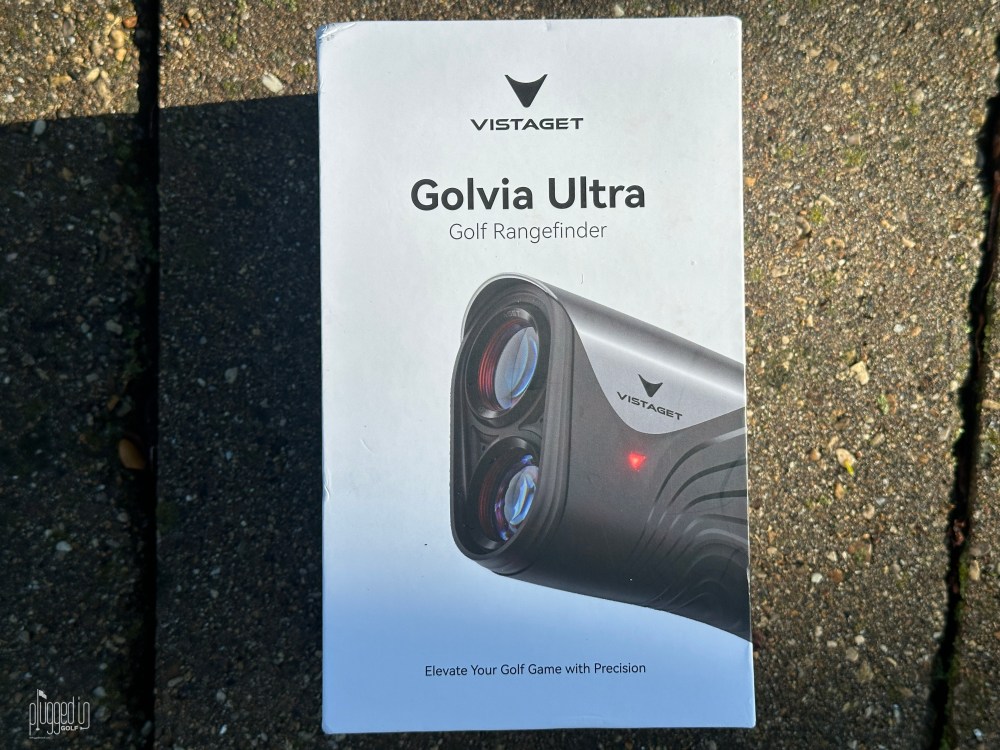
The Vistaget Golvia Ultra rangefinder has an unmatched pair of high end features: environmental compensation and image stabilization. Price is at least $200 less than rangefinders with just one of those. Amazing value.
Introduction
Earlier this year, Ramsey pointed me in the direction of the Golvia Pro rangefinder. I’d never heard of the brand, and the packaging was beyond boring, so I was skeptical. That skepticism was turned on its head when I discovered one of the best rangefinders in golf, and a truly insane value [find the full review HERE].
When the Vistaget Golvia Ultra rangefinder arrived at my house, my expectations could not have been more different. With the bar set incredibly high by the Pro, could the Ultra still impress? Let’s discuss.
Set Up & Ease of Use
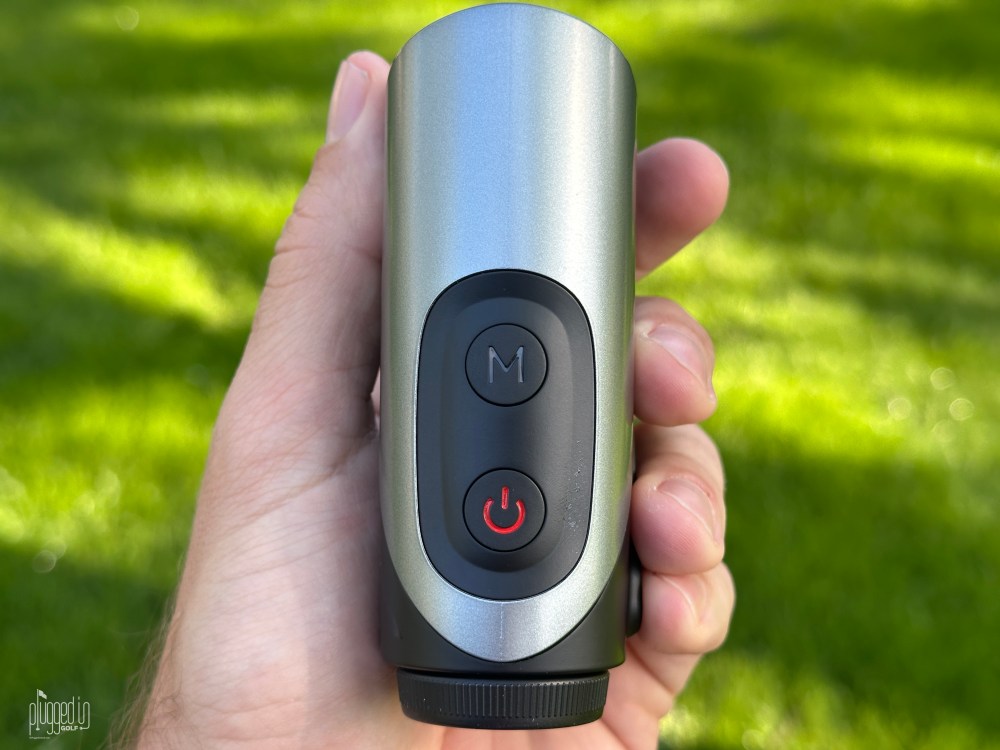
The basic functioning of the Vistaget Golvia Ultra is what you’d expect: push the power button to turn it on, push it again to get your distance.
Using the Mode button cycles through the three modes: Standard, TriMeasure, and Tournament. Tournament Mode turns off all the bells and whistles to make the Vistaget Golvia Ultra tournament legal. TriMeasure Mode allows you to measure the distance between two points while you stand at a third. Standard Mode can include slope compensation, AI Environmental Compensation, and Smart Club Recommendations.
You can further customize Standard Mode to suit your preferences. Holding the Mode button will toggle slope on and off. Smart Club Recommendations can be turned on and off and customized to your distances. Entering the right distance for each club is a hassle – the range of distances for each club is 10 to 500 yards, and you can only increase or decrease the value one yard at a time – but this could be worthwhile for players who can’t recall how far their clubs go. AI Environmental Compensation will be disabled when slope compensation is turned off.
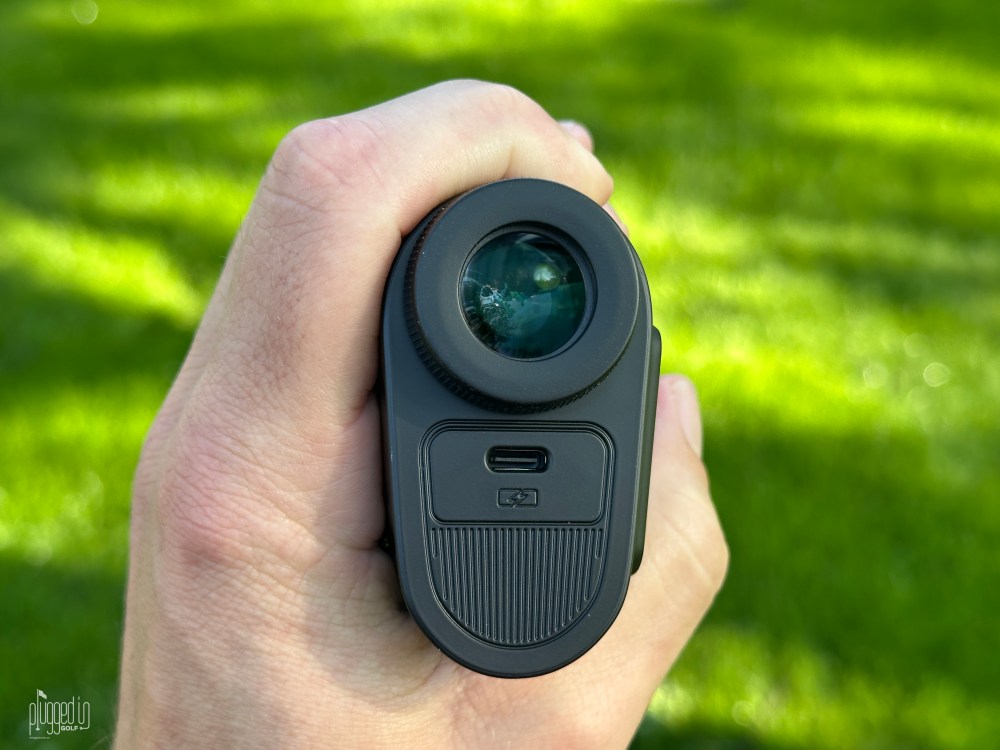
Finally, the Vistaget Golvia Ultra is powered by a rechargeable battery. Vistaget claims a two hour battery life, which is a very long time when you realize a rangefinder is only on for a few seconds at a time. Also, the Golvia Ultra has a battery life indicator that’s always on – it doesn’t just appear when the battery is about to die. This should remove any battery anxiety you might have. [See Price / Buy]
Accuracy & Features
There are two key features that separate the Vistaget Golvia Ultra from the Golvia Pro – image stabilization and AI Environmental Compensation. I’ve never gamed a stabilized rangefinder before – never felt I needed one – but using the Golvia Ultra is undoubtedly easier. Especially at longer distances, removing all the little shakes and twitches makes it much easier to lock on to your intended target.
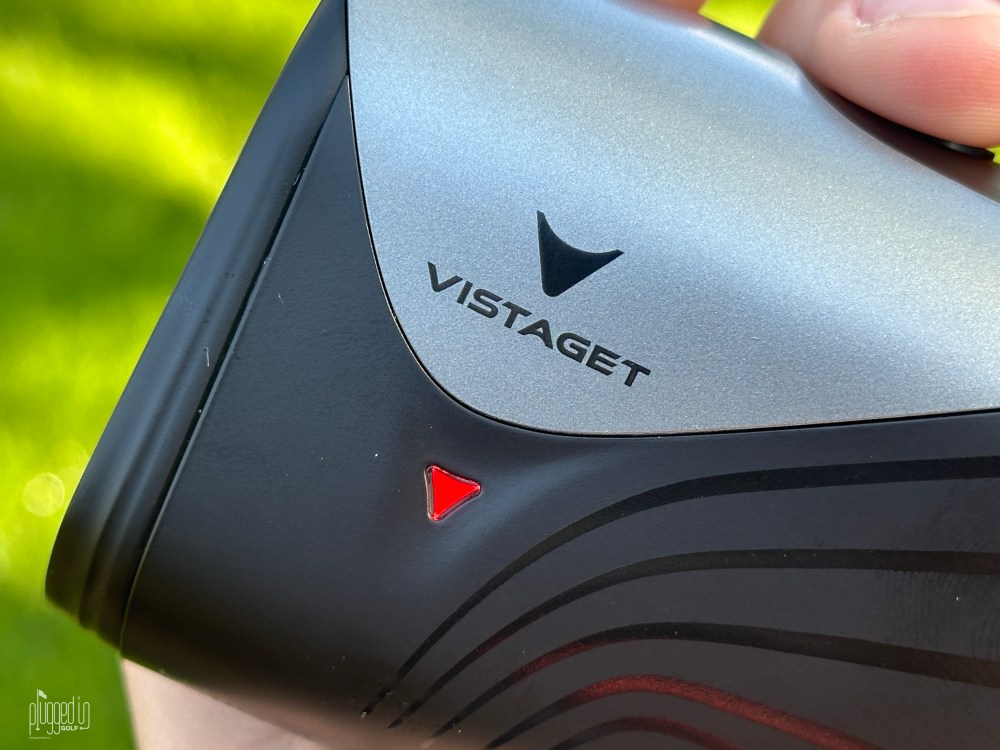
Turning to AI Environmental Compensation, what sets this apart is the fact that it does not require a phone. Other rangefinders that adjust for temperature, elevation, and humidity require a Bluetooth connection to an app; the Vistaget Golvia Ultra does all this on its own. I was not able to test the elevation or humidity, but I did test the temperature. I found that the Golvia Ultra, after getting a few minutes in the new environment, was within a few degrees. While I wouldn’t want this as my weatherman, it seems plenty accurate enough to know hot from moderate from cold.
In Standard Mode, the slope and environmental compensation is distilled down into one simple number. The display shows the straight line distance directly below the aiming reticle and the adjusted distance below that. Your club recommendation pops up on the left side of the screen. For a rangefinder that does a lot, the Vistaget Golvia Ultra delivers the necessary information in a way that’s easy to understand.
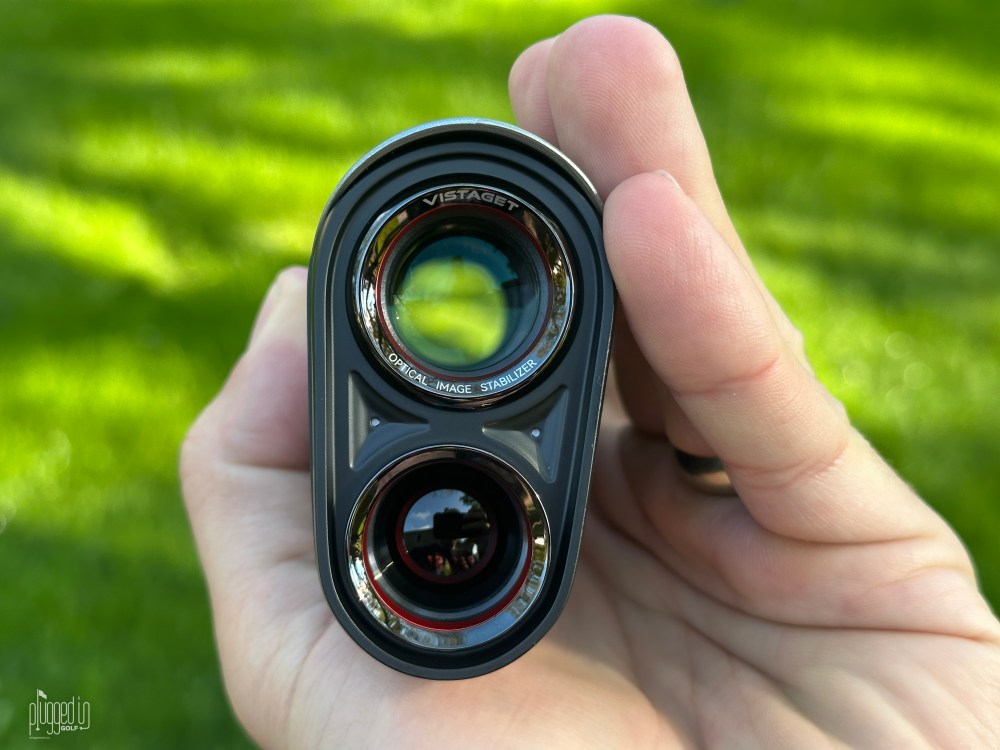
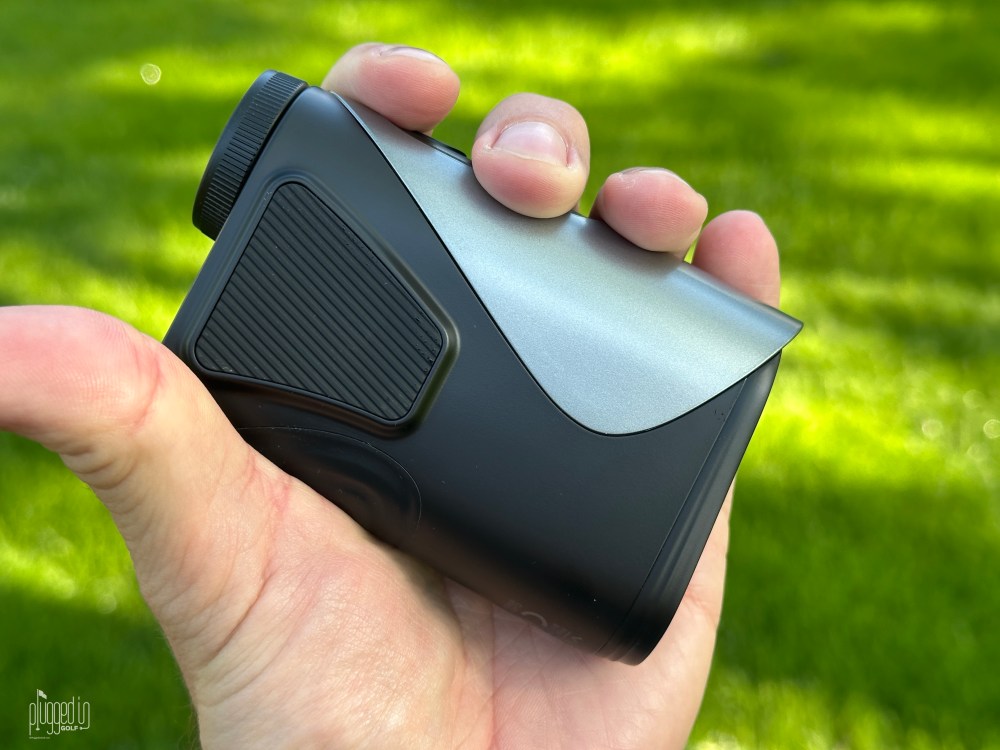
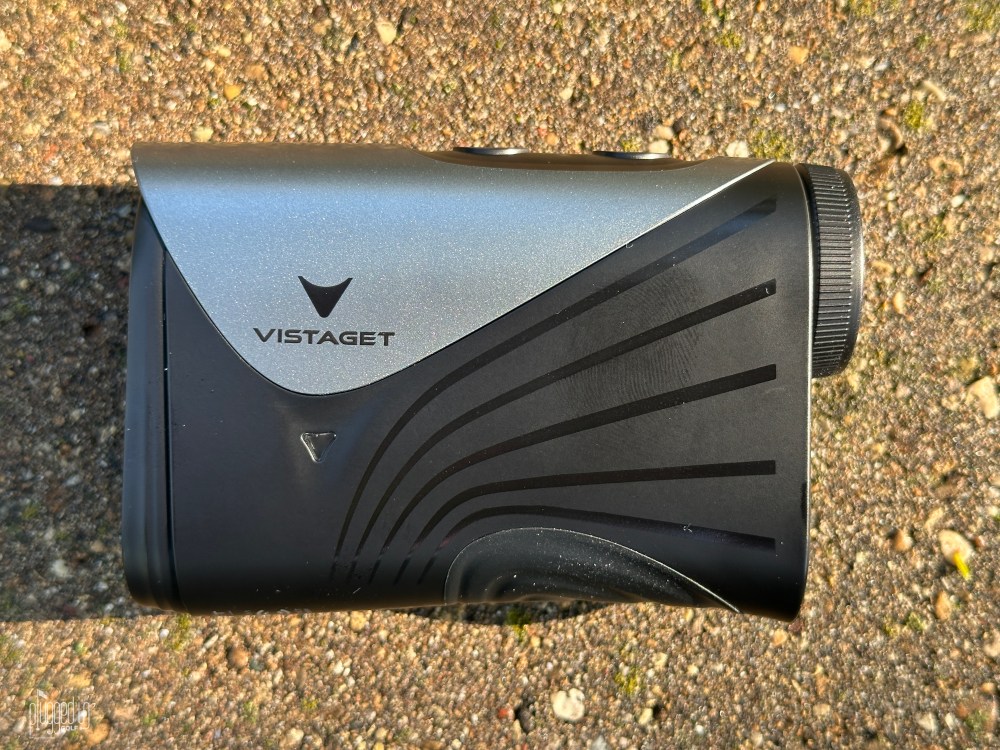
Turning to the basics, the Golvia Ultra lived up to my high expectations with excellent speed and accuracy. The weather and slope calculations don’t do anything to noticeably slow this down. Additionally, the Golvia Ultra has the same universally appealing shape and weight as the Pro. It feels good in hand, though not tank-like the way a Bushnell does. Unlike many image stabilized rangefinders, it does have a cart magnet, though it does seem a little smaller or weaker than others.
The one area where the Vistaget Golvia Ultra falls short of the Pro [review HERE] is the display. Where the Pro has a vibrant red OLED display, the Ultra has a black LCD display. This display is still completely legible and a great option in bright conditions, but it’s the one area where the Ultra feels less than premium.

Value
The Vistaget Golvia Ultra retails for $299. This is another home run in terms of value from Vistaget. The best known rangefinder with image stabilization is Nikon’s COOLSHOT PROIII [review HERE], and that retails for $500 without TriMeasure, environmental compensation, or a magnet. If we look for other rangefinders with environmental compensation, we’re talking about the Bushnell Pro X3+ [review HERE] which costs $600 and doesn’t have image stabilization. The Golvia Ultra has a unique blend of high end features at a mid-market price.
Comparing the two Golvia rangefinders is all about what features you value. The Golvia Pro [review HERE] is $100 less than the Ultra, but it lacks image stabilization and environmental compensation. If you want those features, you won’t find them for less. However, if you just want a straightforward rangefinder, the Pro is a great value. [See Price / Buy]
Check out the $99 Golvia 30 rangefinder HERE
Conclusion
Despite my high expecations, the Vistaget Golvia Ultra rangefinder still managed to impress me. It pairs two high end features I’ve never seen together before – image stabilization and environmental compensation – at a price no other laser can compete with. [See Price / Buy]
The Vistaget rangefinder


He founded Plugged In Golf in 2013 with the goal of helping all golfers play better and enjoy the game more.
Matt lives in the northwest suburbs of Chicago with his wife and two daughters.
- Srixon ZXi RKT MAX Driver Review - October 16, 2026
- Mitsubishi Diamana WB Hybrid Shaft Review - October 14, 2026
- Dad Grip Review - October 13, 2026




Join the Conversation | 3 Comments
Nice review. For me, the days of thinking I had to spend $500 for a really good rangefinder are long over. I have a Pinned-Golf brand one that cost me ~$180. It includes a pin lock, a slope feature & has a nice red display that’s awesome in low light. I also bought a rangefinder on Temu for ~$50. Believe it or not, it isn’t bad; many a buddy has used it if they didn’t have one & its accuracy was pretty good. Let’s get real here…if you’re worried about a yard or two of inaccuracy at 150 yards, you either have a pro card or you think you’re a lot better than you actually are!
Where is the range finder made? I think I might know.
Dale,
I don’t know where it’s made. I would assume in the same place most rangefinders are, wherever that is.
Best,
Matt