

50 Words or Less
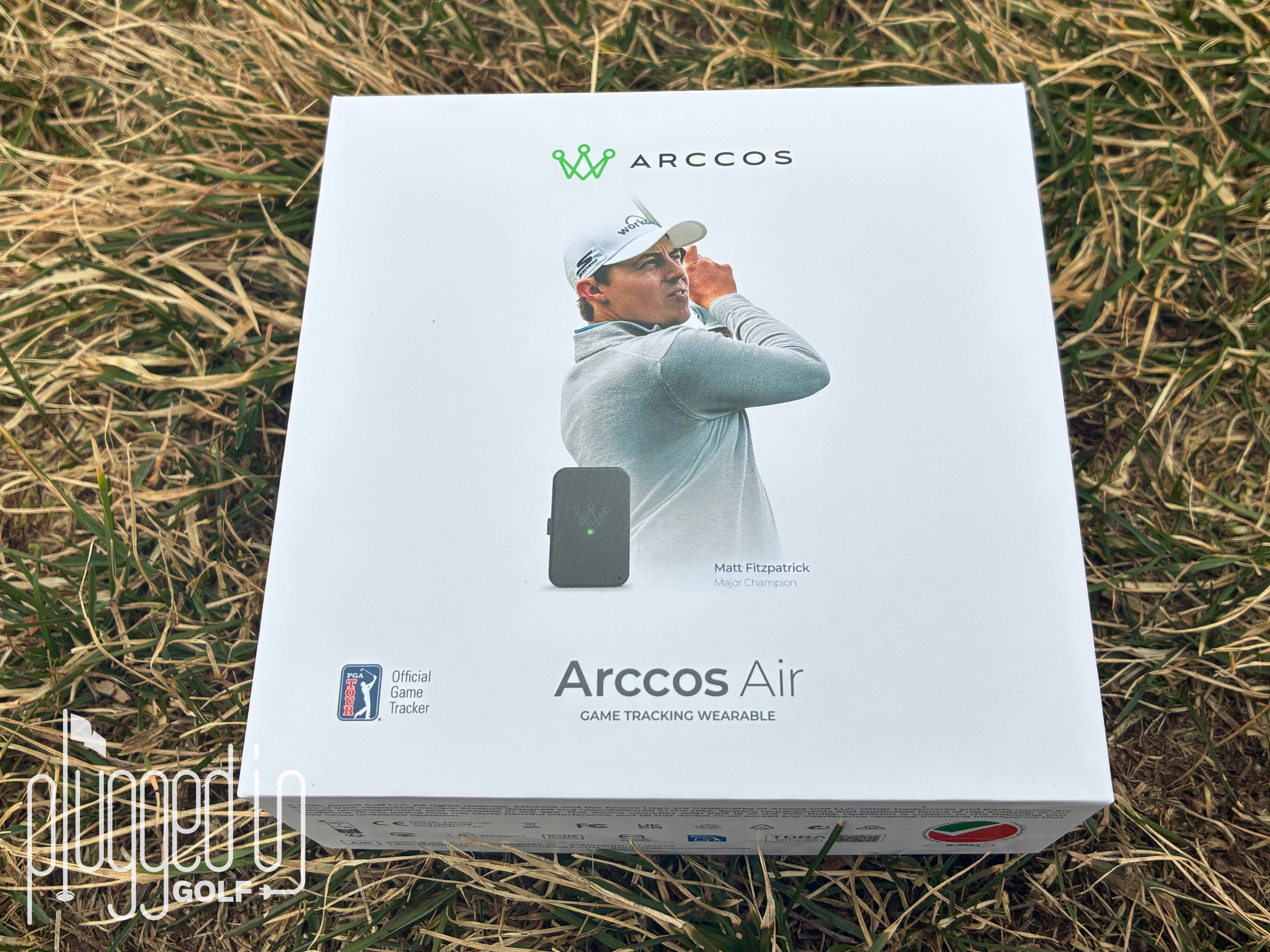
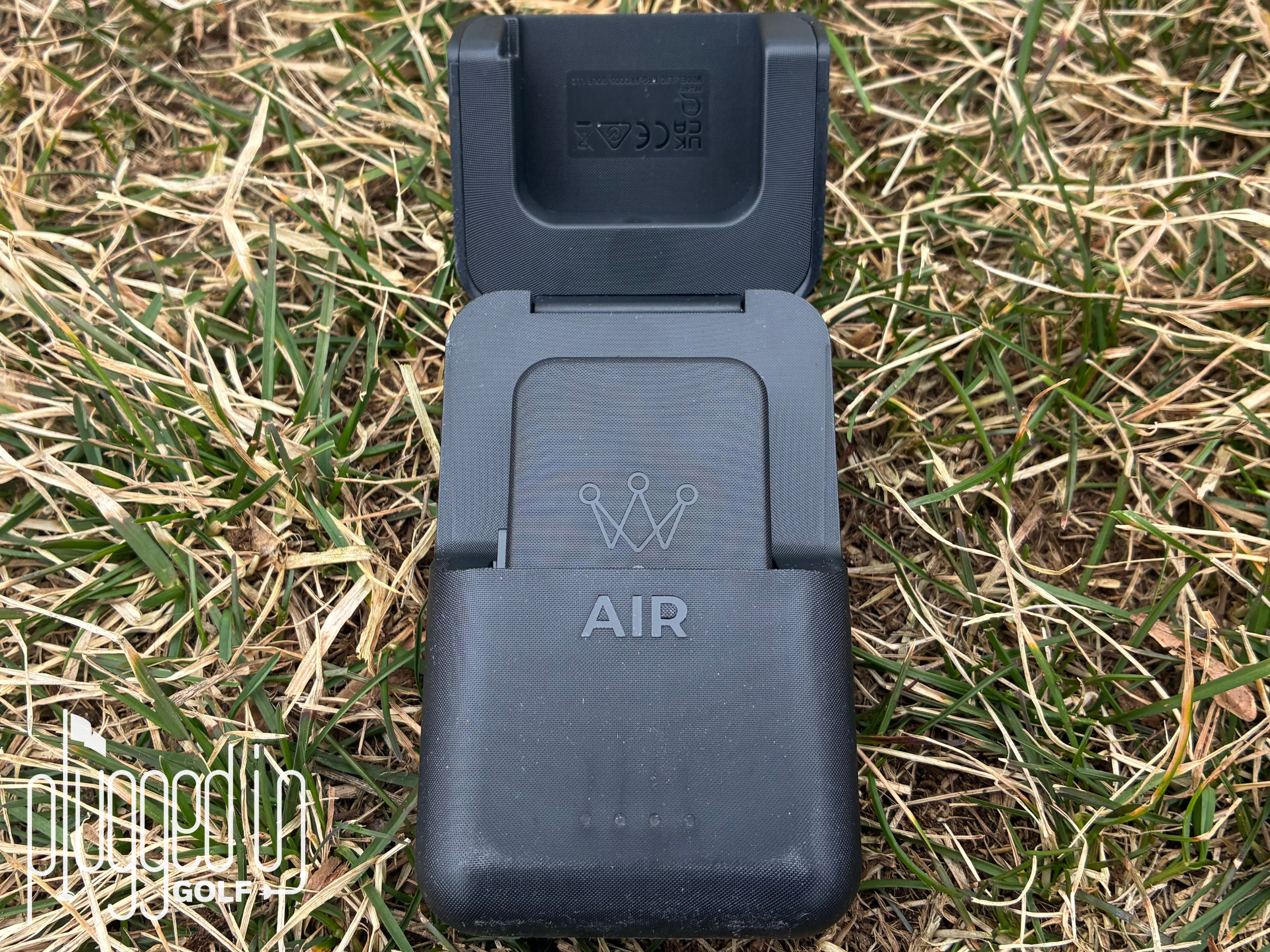
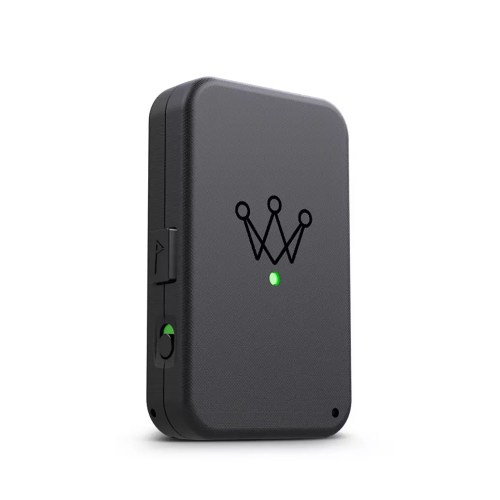
The Arccos Air is the latest technology from Arccos. The small, wearable device finally rids players of club sensors. Uses AI to track every shot and help you play smarter golf.
Introduction
Whether you’re new to the game of golf or been playing since golf clubs were made almost entirely of wood, you likely know that golf is a game of inches. So, when you’re dealing with such small margins, you can understand why stat tracking, even for the amateur player, has become so prevalent in the sport.
This is where Arccos comes in. Started in 2012 by Yale graduate Sal Syed, Arccos began as a shot tracking company that used a smart phone and club sensors to track your round. Over time, they got rid of needing your smart phone in your pocket by incorporating several generations of the Arccos Link [review HERE]. Now Arccos is now able to rid players of the club sensors with their new Arccos Air. You read that right – no more club sensors. Just one single device that Plugged In Golf is among the first to review.
Set Up & Ease of Use
For those of you who have used any version of the Arccos Link Pro like me, setup will be minimal. You may need an app update if you haven’t already downloaded the latest version, but there’s effectively no setup difference from previous Link Pro products. For those who have never used an Arccos product before, I’ll outline the entire process below.
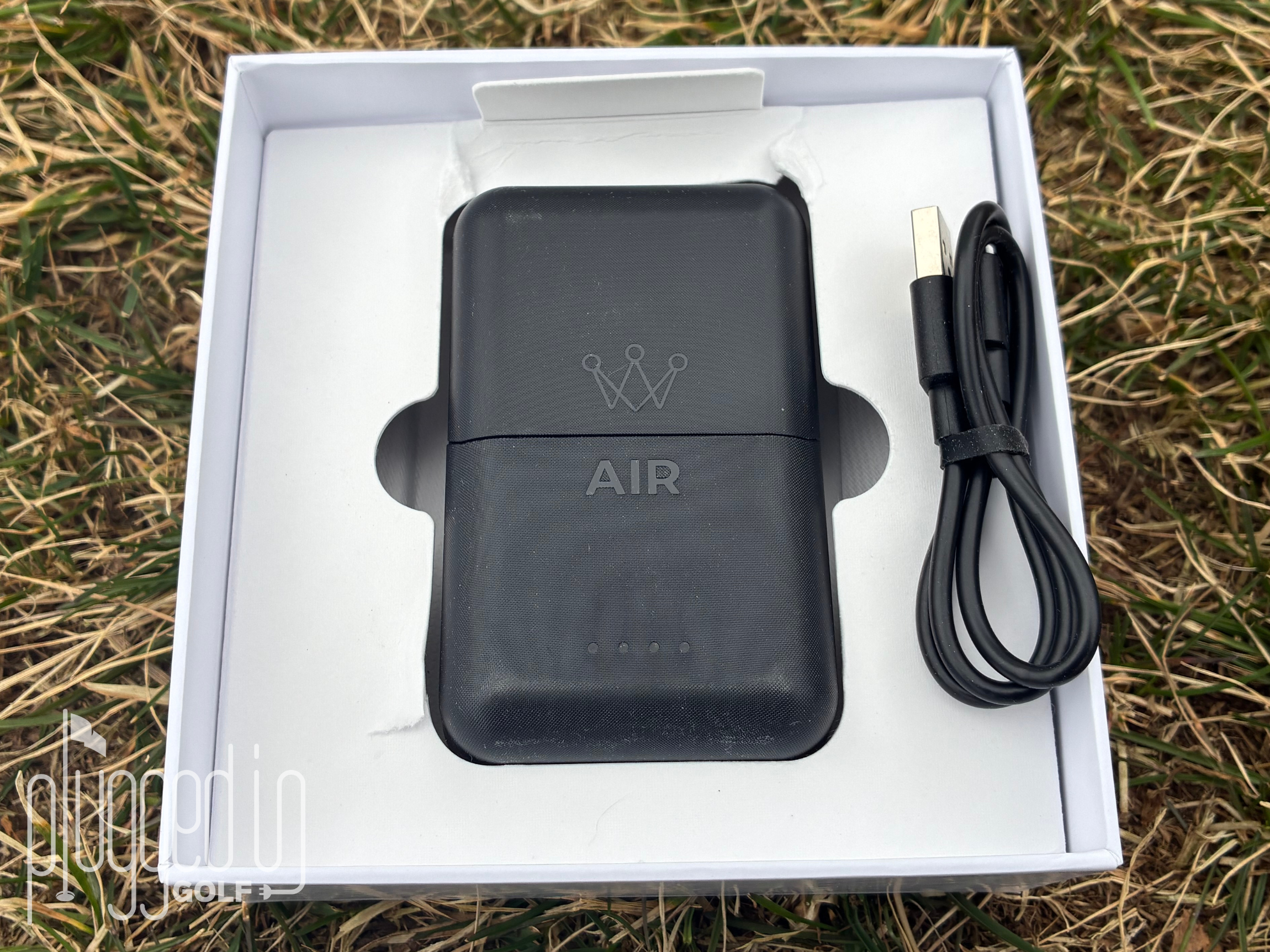
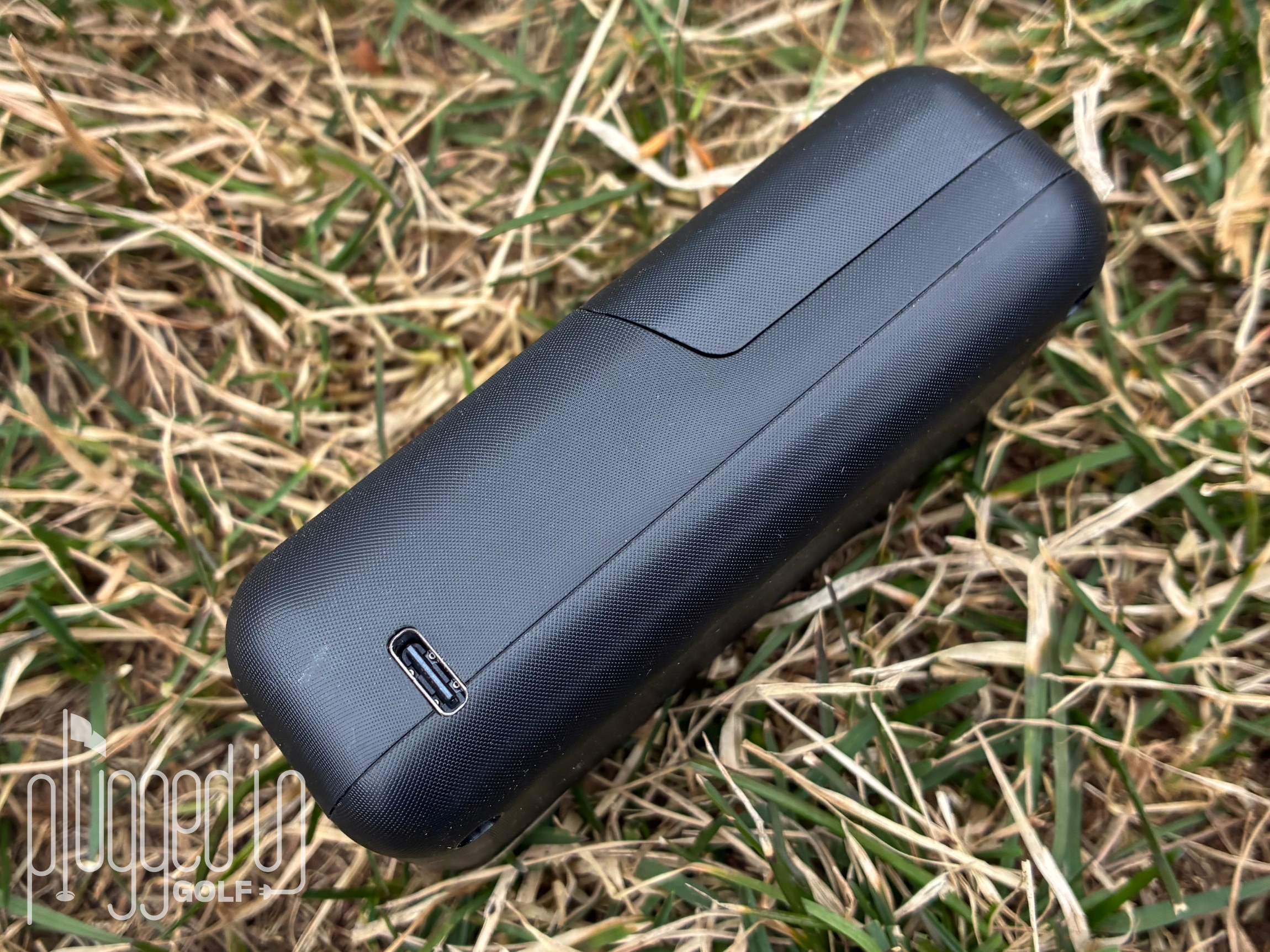
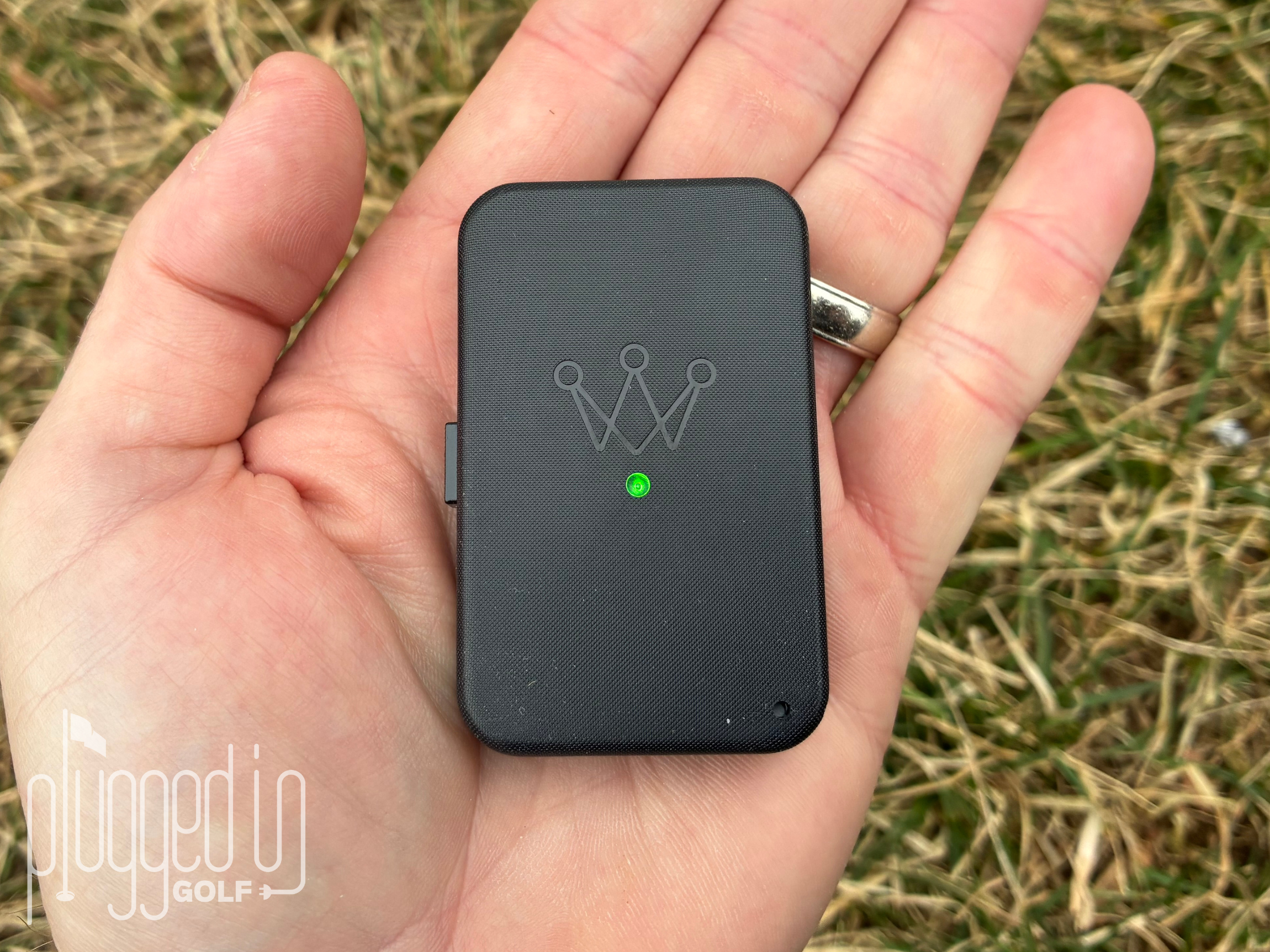
To begin, I used the included charging port and USB-C cable to charge the Arccos Air to 100%. While I was waiting for the device to charge, I downloaded the Arccos app, created a profile, and added details on all my clubs. While you can spend quite some time customizing everything, you don’t necessarily need all this done before starting your first round. Once charged, an on/off switch on the side of the device prompted the app to recognize and easily connect via bluetooth. From there, I was ready for my round.
Once on the course, I selected the starting hole, tee box, and whether I was playing in an official tournament or not, then I started my round. The whole setup is intuitive and user friendly. After initiating the round on the first tee, you can put the device in your pocket and forget it until you walk off the 18th green.
After the round, the app may require a few edits, which I will cover more later on. Once all the edits are complete, the round generates a stats page which allows you to compare your round to a selected handicap. In my case, I compare my rounds to a scratch golfer (0.0 index) which is easy to toggle to different levels. The app provides a seemingly endless amount of data including strokes gained on each part of your game. Arccos even offers tips for the areas that you struggle with. [See Price / Buy]
Accuracy & Performance
As I mentioned earlier, even without club sensors, the Arccos Air registered 99% of the shots I took. I am impressed that it picked up as many shots as it did. Even with the club sensors, Arccos would occasionally miss a shot, so this is a step in the right direction.
With that said, I did have to do some regular post round cleanup because despite picking up every shot, it did not always pick the correct club. After a few rounds, I calculated an 80-90% accuracy rate for club selection. The errors are easy to understand. For example, I was 100 yards out from the green but under some trees, so I needed a low shot to stay below the branches. Even though I used a seven iron, Arccos Air tagged it as my 54 degree wedge.
In another situation, I hit a hybrid from the fairway but it clipped a tree and came straight down about 50 yards in front of me. Arccos Air still recognized that I hit a hybrid. While I was skeptical of no club sensors at first, I am pleasantly surprised how often it got the club correct.
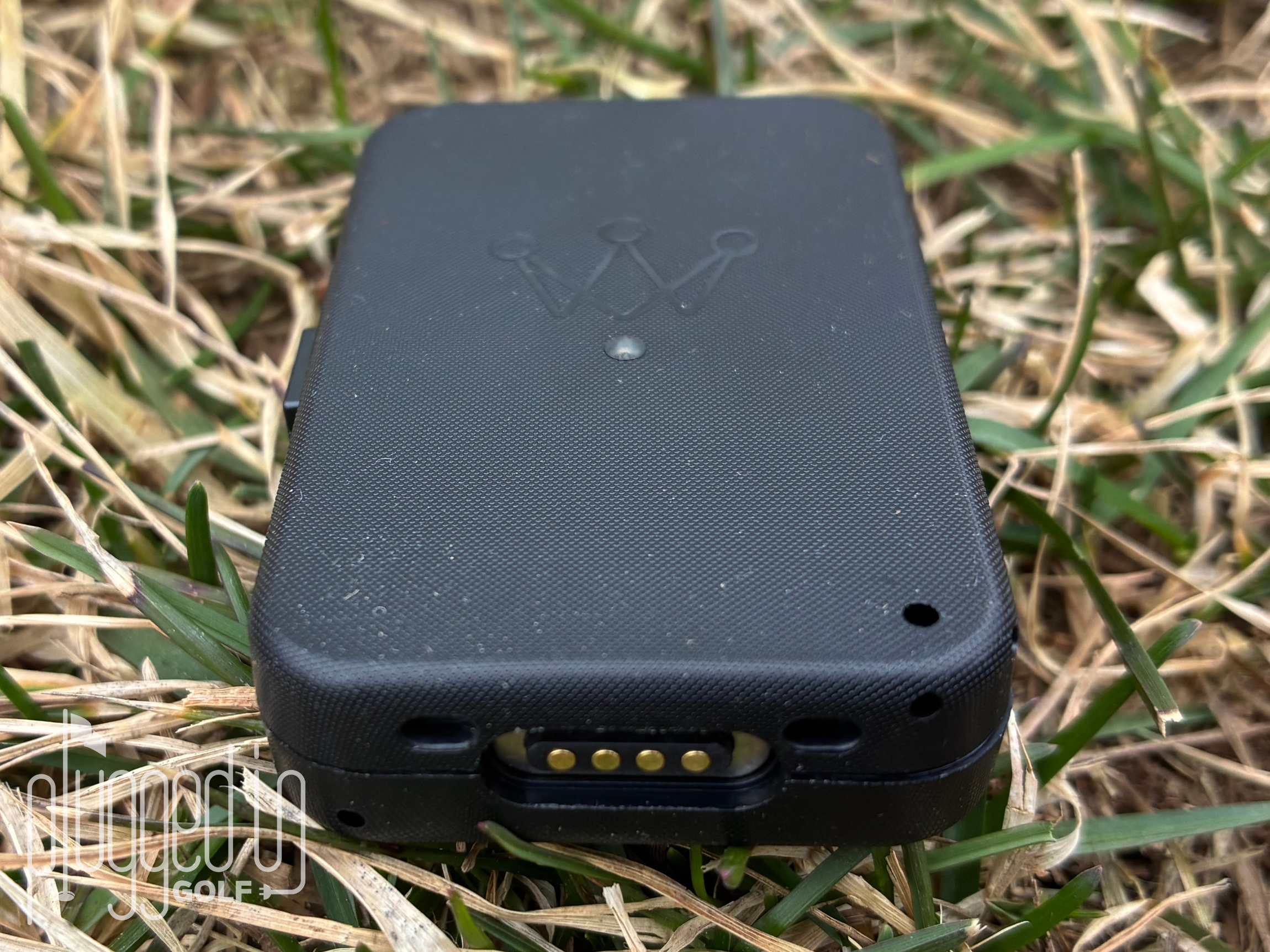
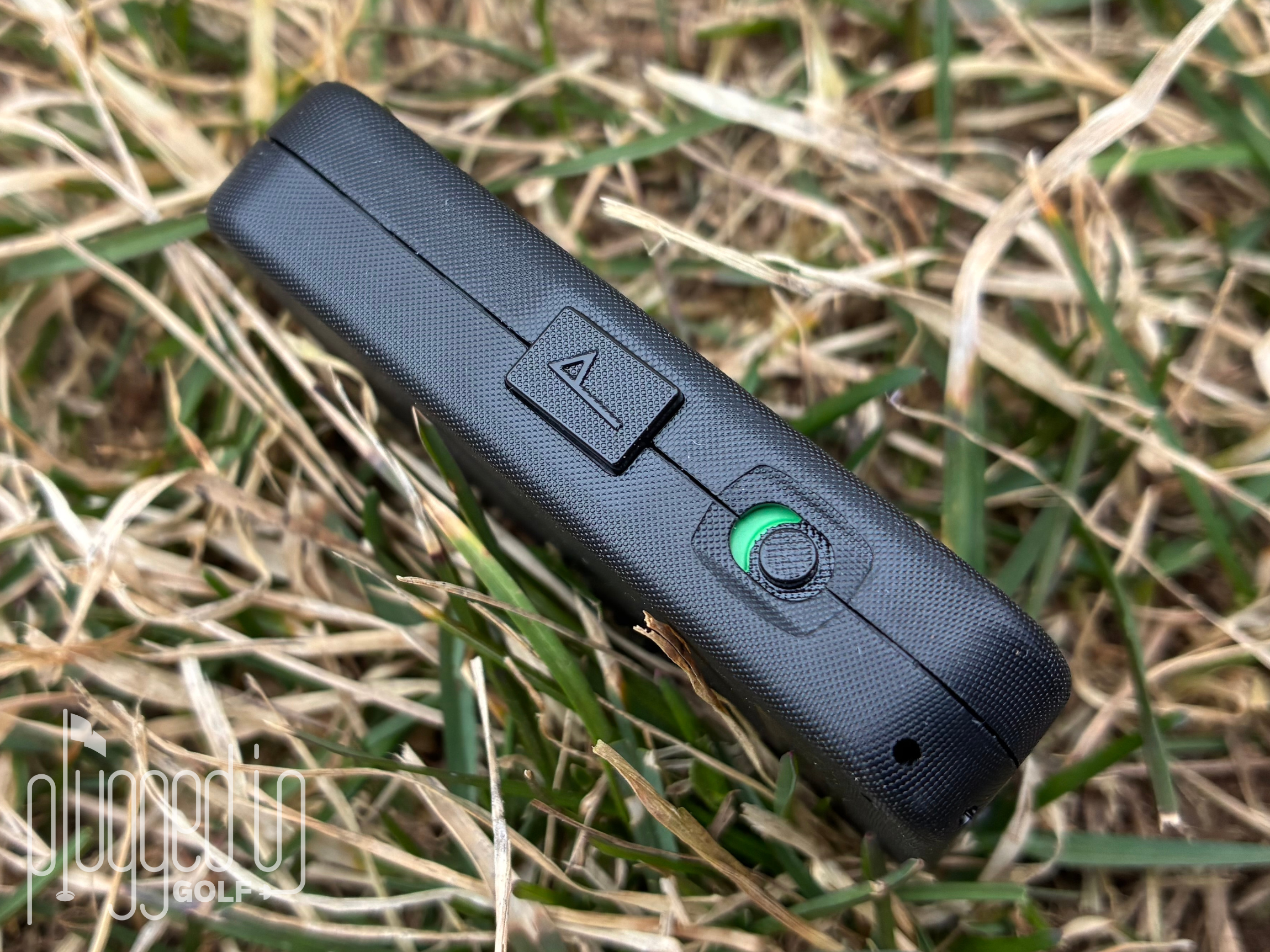
One thing that changed for the Arccos Air is the pin flag button. If you read my review of the Arccos Link Pro, I was critical of the actual button in that it didn’t give much feedback. I am happy to see they improved the button in the Arccos Air so you feel a definitive “click” when standing over the cup. Knowing that all the pins are correctly located just makes life easier when reviewing a round.
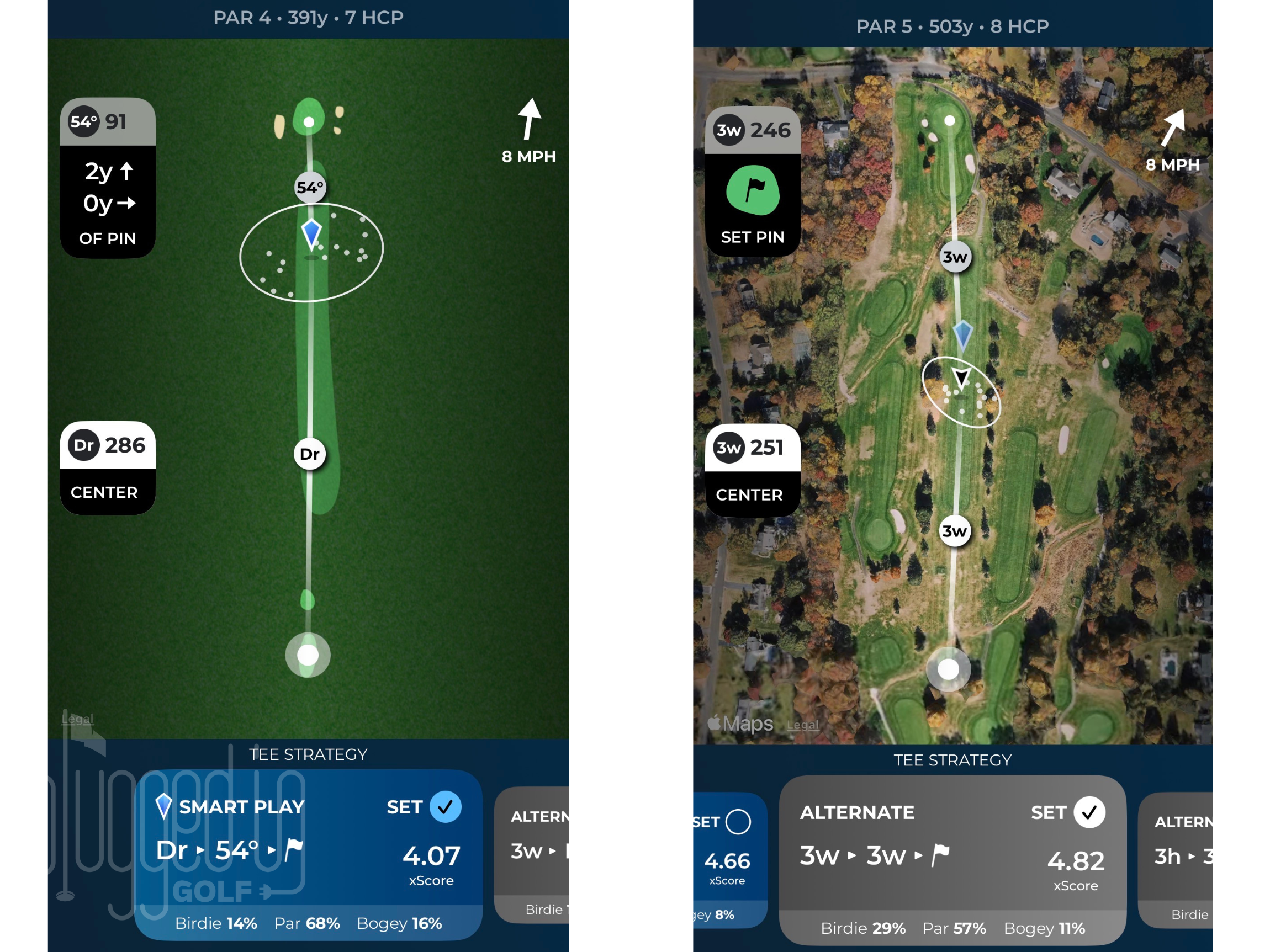
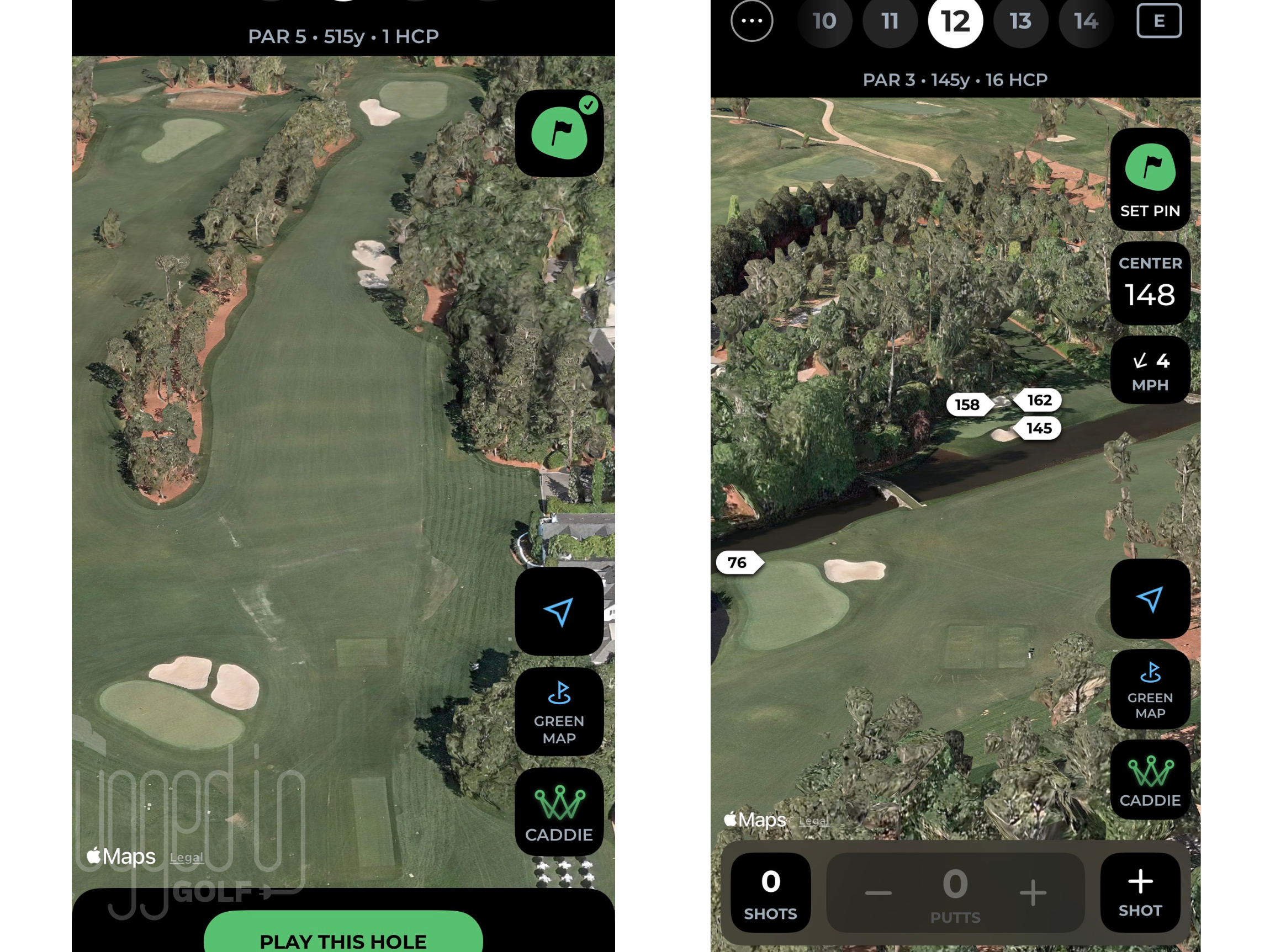
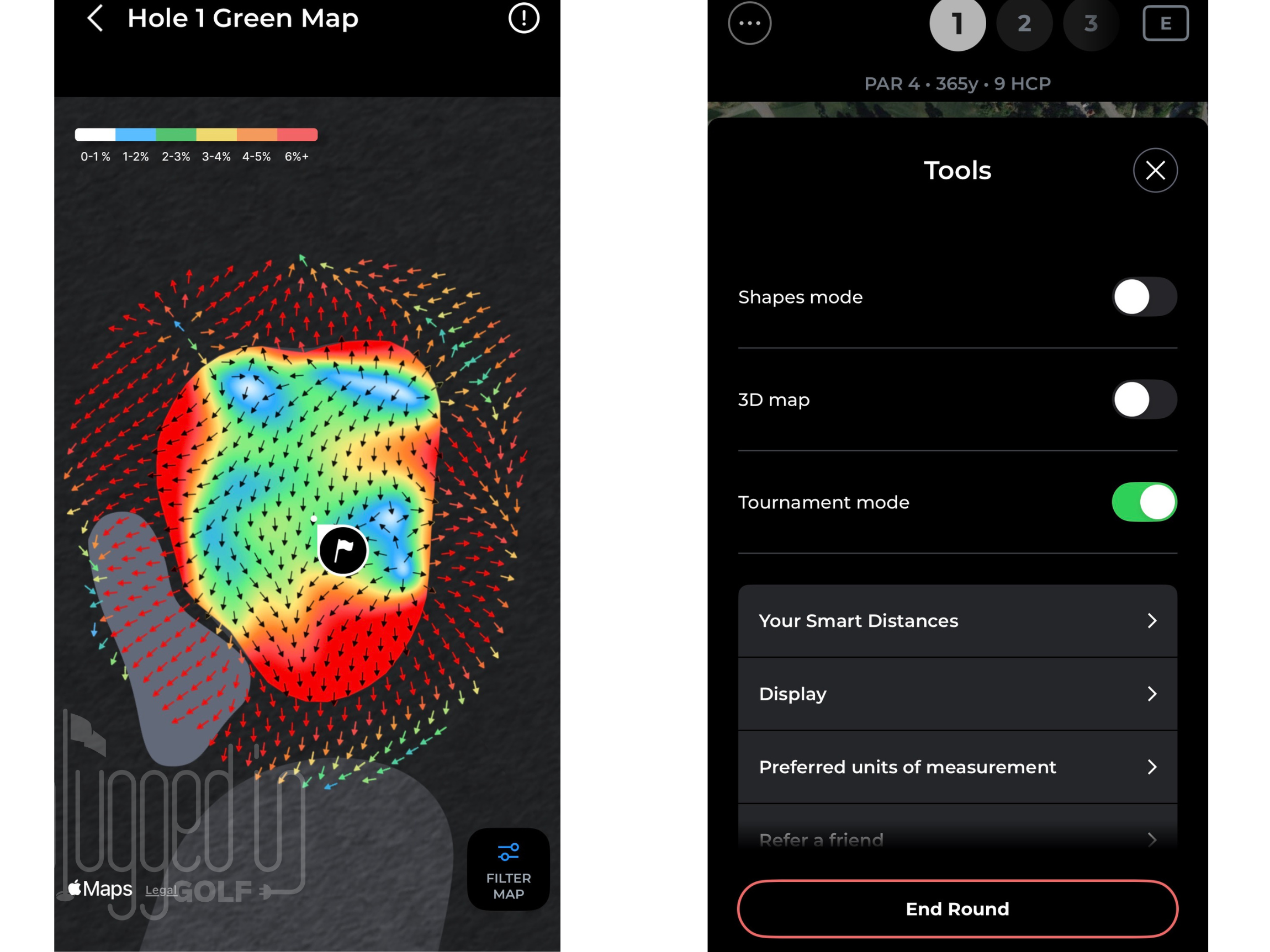
On the app, one feature that stood out was the 3D view. This is a new feature which can be seen in the screenshots below. Since I regularly use the Arccos app as a GPS both before and during rounds, I found this to be particularly helpful when playing a new course or prepping for tournaments. The latest update also provides heat maps for green complexes, providing valuable data when evaluating an approach shot or a putt. [See Price / Buy]
Value
Arccos Air retails for $349. There is also a yearly subscription fee of $199 which is waived for the first year. If you already have the Arccos Link Pro, you don’t need to purchase Arccos Air to get all the same features and functionality, including tossing out the club sensors.
This price is at the top end for shot tracking systems. Shot Scope’s V5 costs $250 and has no annual fee [review HERE]. The benefit is that Arccos Air allows you to be hands free, with no watch on your wrist or sensors on your clubs. [See Price / Buy]
Conclusion
The new Arccos Air is the latest and greatest from one of the most prominent shot tracking companies in golf. It completely eliminates club sensors for a set it and forget it type of experience. Plus, it adds all new AI tools to help players make better and more informed decisions on the golf course. [See Price / Buy]
Arccos Air is the revolutionary new way to track your golf game. Powered by advanced motion capture and AI trained on over 1.5 billion shots, Arccos Air automatically detects every shot you hit, with no sensors and no phone required during play.

- Cobra OPTM Hybrid Review - August 25, 2026
- GOZO GF07B Electric Push Cart Review - August 18, 2026
- Cobra OPTM LS Fairway Wood Review - August 12, 2026






Join the Conversation | 10 Comments
How does the unit detect a shot if there’s no swing sensor?
The Arccos Air device that sits in your pocket during the round is what detects shots.
To be honest, I can’t quite picture it: I can imagine that a device could use GPS to determine which club is (in theory) the most suitable for a particular hole, provided it ‘knows’ the course.
But how on earth is a device in my bag supposed to know which club I’m *actually* ( ! ) using at any given moment?
Joachim,
Just to clarify, the Arccos Air device sits in your pocket (not your bag) and registers shots the entire round.
As far as the club detection, it uses AI to record which club you hit. For example if it detects a shot on the tee box and the next shot is registered 279 yards away, it’s likely a driver. Shots out of the rough near the green are likely going to be a wedge of sorts. As I mentioned in my review, it does get club selection wrong on occasion but overall, it’s getting 80-90% of shots correct.
Hope this helps!
Zack
The secret: You don’t even need the Air! I played a round with the Air accidentally turned off and the phone tracked all the shots. So, if you have an iPhone in your pocket, you can use that…no need for the Air device at all. I’ve done this for multiple rounds and it works perfectly.
Doogie
You are correct. When Arccos first started, this was the only way to track shots with the club sensors. However, this was also one of the biggest complaints among users (myself included) which is why they now offer a phone-free and sensor-free option.
Thanks for reading!
Zack
So the options without the sensor are phone or air? You can’t use your watch or the link pro?
I like to idea of a senior that detects my shots how I have played some complete rounds with having my shoots registering.
can you listen to a speaker via bluetooth with this? when you had just the sensors you were not capable…had to use the link THEN you could listen to music
I’ve always been very satisfied with the sensors. The arccos air solution is a great idea, but so far I’ve always had to make adjustments.