

50 Words or Less
The Vistaget Golvia Pro rangefinder is one of the best rangefinders I’ve tested in recent memory. Super fast. Great size and shape. TriMeasure Mode. Rechargeable battery. Cart magnet. All for under $200.
Introduction
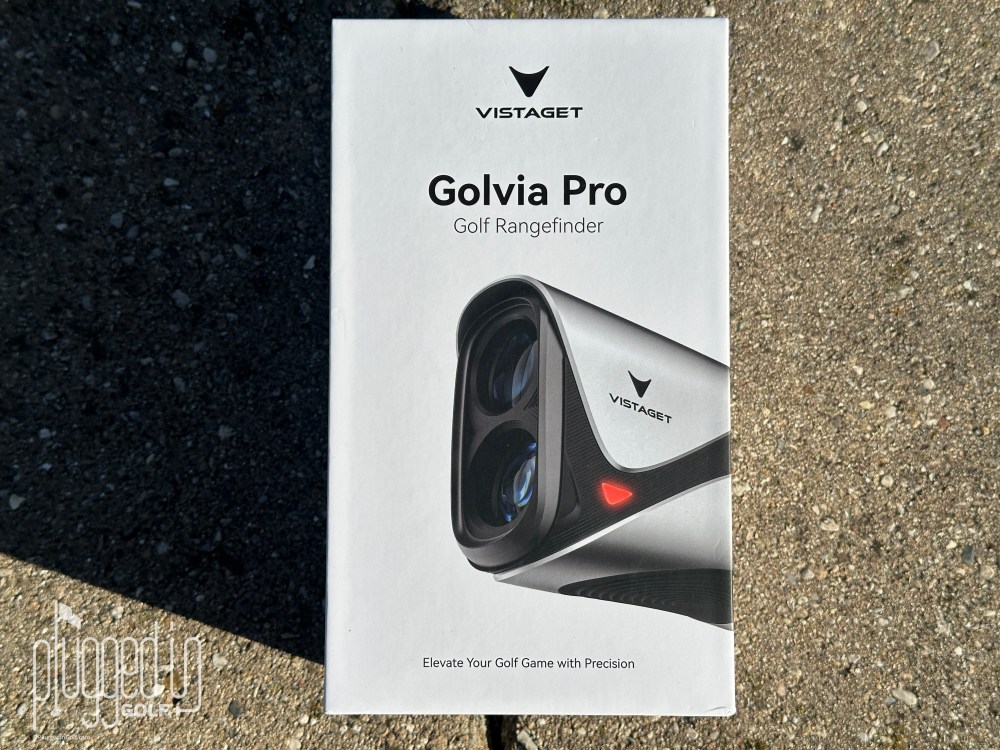
When Ramsey excitedly told me that he had found a new rangefinder for me to review, my brain went to a jaded, condescending place. “Slow down, Sport, I review dozens of rangefinders each year and most are nothing but white labeled copies of each other.” When the box arrived (above), I felt vindicated: “Could this be any more generic? This is obviously junk made to sell to unsophisticated hacks on Amazon.” [See Price / Buy]
However, when I started using the Vistaget Golvia Pro rangefinder, I had to change my tune…dramatically. This is an early contender to be one of the best values and best rangefinders of 2026.
Set Up & Ease of Use
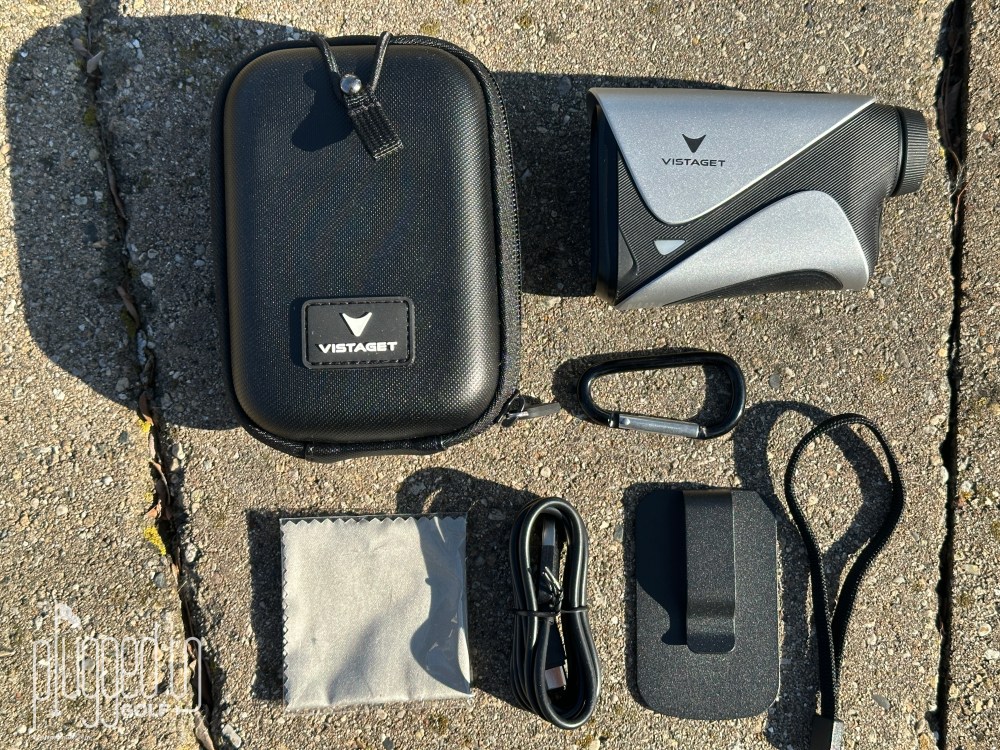
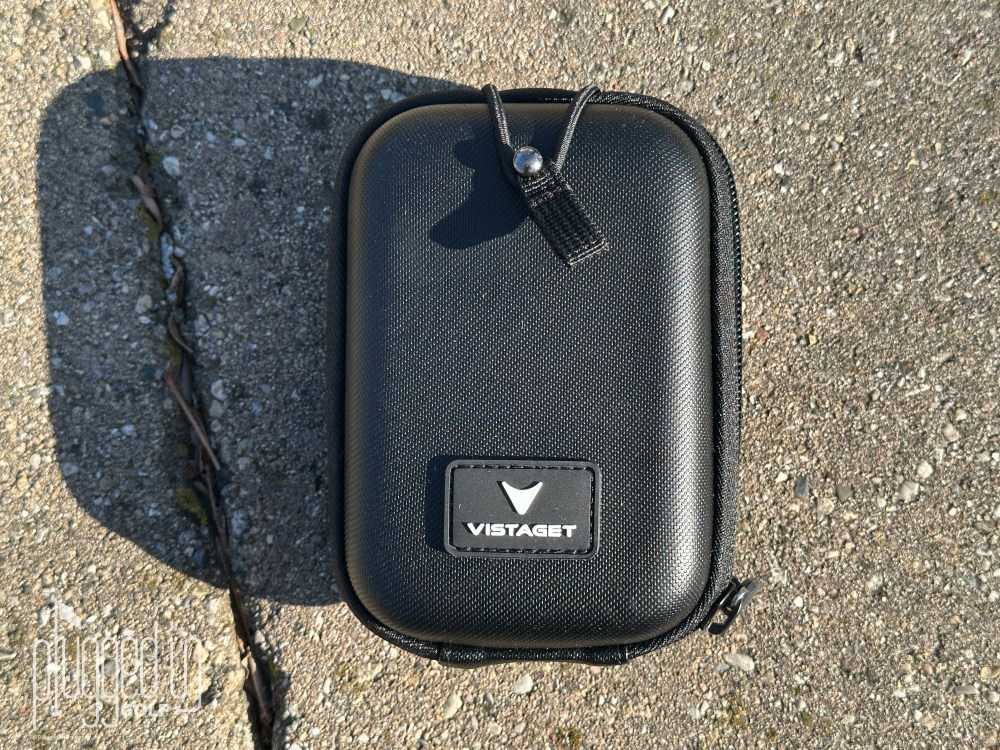
That uninspiring box comes packed with stuff. In addition to the Vistaget Golvia Pro rangefinder, there’s a carrying case, wrist strap, cleaning cloth, carabiner, charging cable, and a belt clip. This is only the second time I’ve seen a company include a belt clip, and I think it’s a nice, worthwhile addition. Magnets are almost a necessity in rangefinders now, and the belt clip makes that useful for the walking golfer.
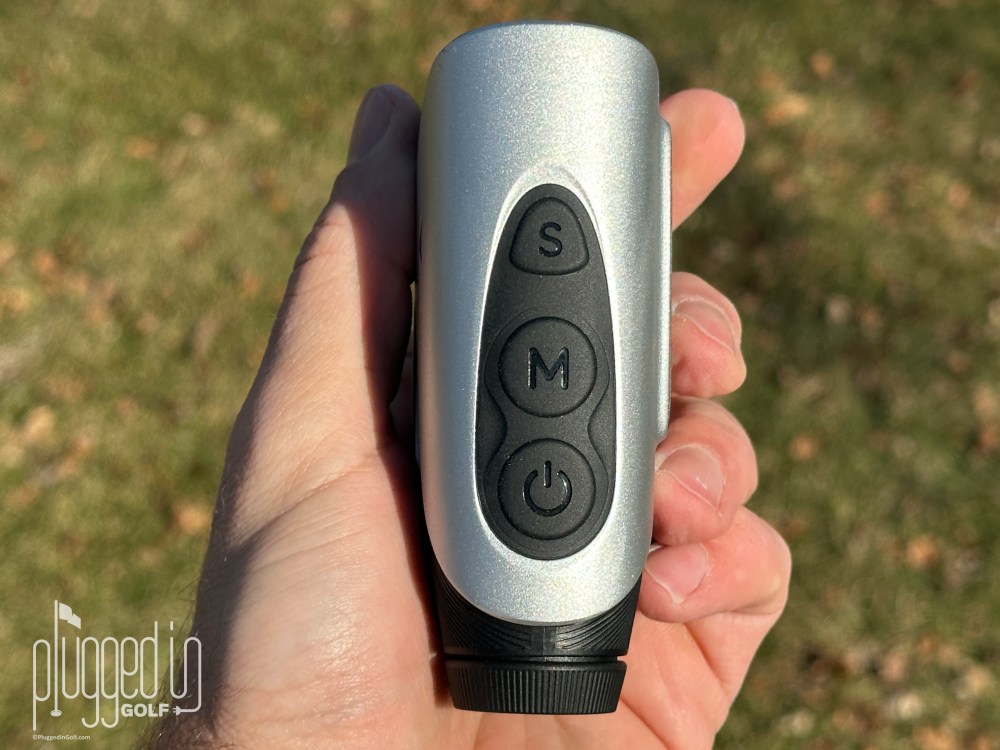
Turning to the rangefinder’s operations, there are three buttons on top of the unit. The button closest to your eye turns it on and gets your distance. The middle button – “M” – turns on TriMeasure Mode (also known of Ball-to-Pin or Coach mode, more on this later). It can also adjust the brightness through four levels with a double-press and switch from yards to meters with a short hold. Finally, the “S” Button is the Slope Switch. A short hold turns the slope adjustment on and off. You can also activate Fog Mode with a double tap.
For as many features as are packed into the Vistaget Golvia Pro rangefinder, this three button interface is pretty easy to use. The slope adjustment is accessible but requires that extra hold so that it doesn’t accidentally get turned off or on. Additionally, the buttons a really good tactile quality. My fingers found each one easily, and the push was crisp and satisfying. [See Price / Buy]
Accuracy & Features
The first thing that had me changing my mind about the Vistaget Golvia Pro rangefinder was the speed. This is easily among the fastest rangefinders I’ve ever tested. As I have noted regularly, the difference in speed is not particularly meaningful on the course, but when testing head-to-head there is a very obvious difference. This speed is paired with excellent accuracy: it was consistently +/- 1 yard when tested against course markings and other trusted rangefinders.
Want image stabilization at an unheard-of low price? Check out the Golvia Ultra HERE
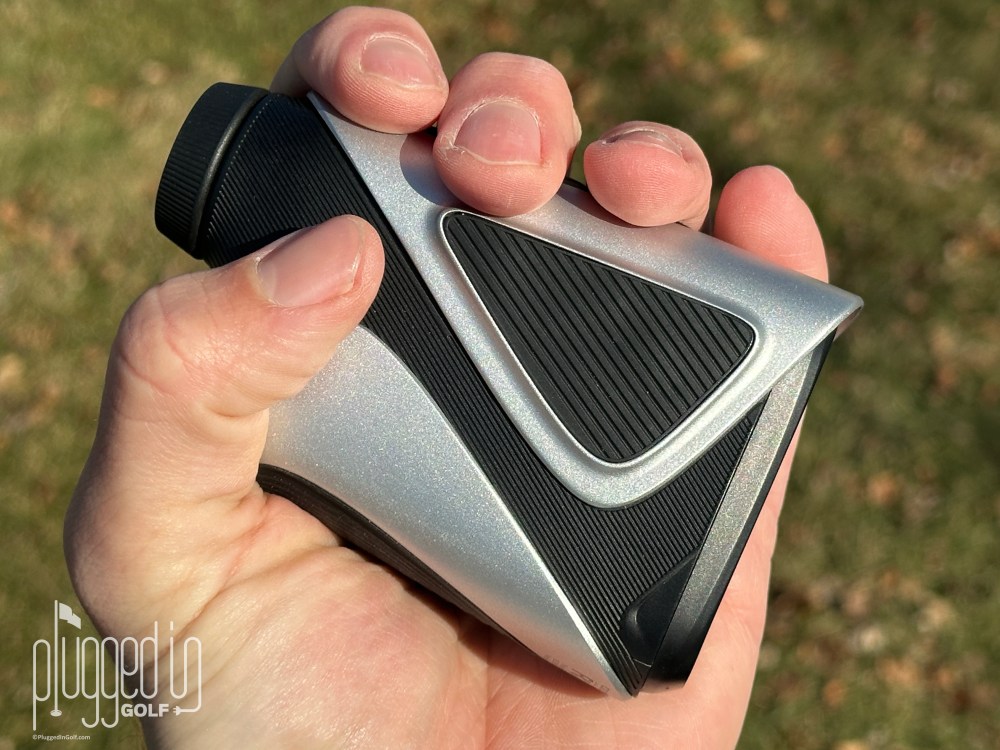
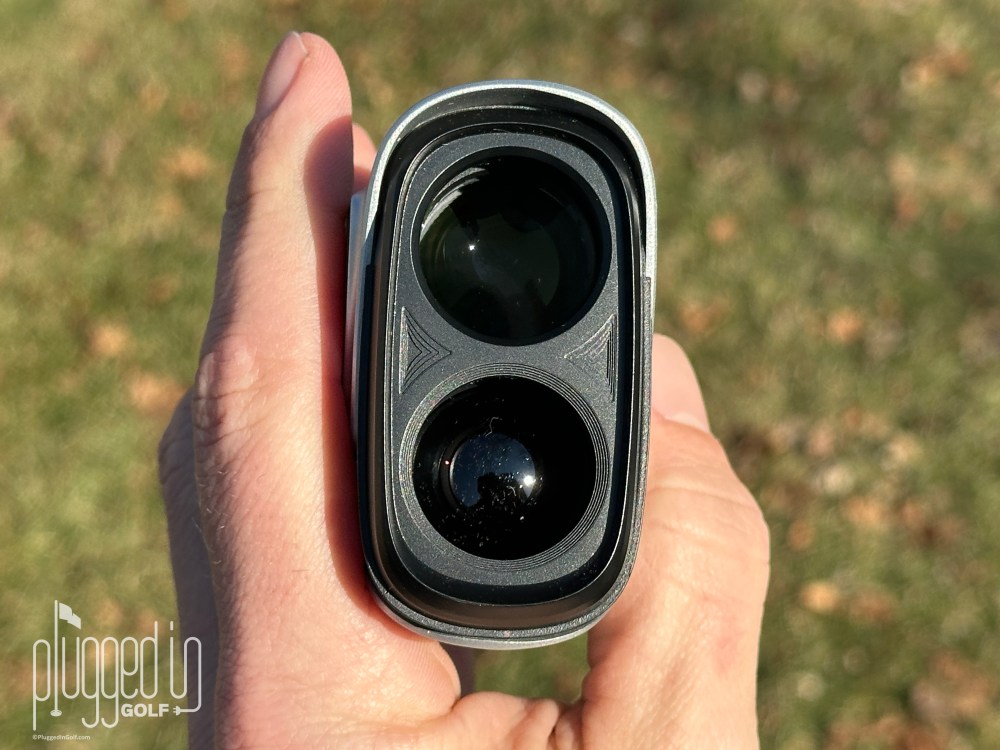
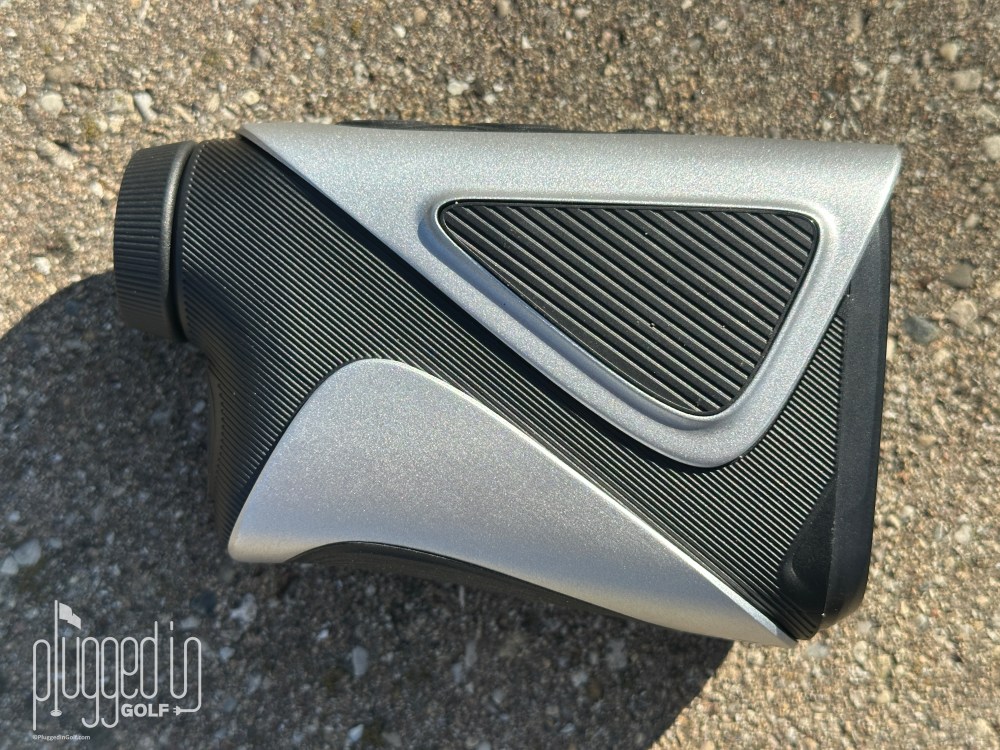
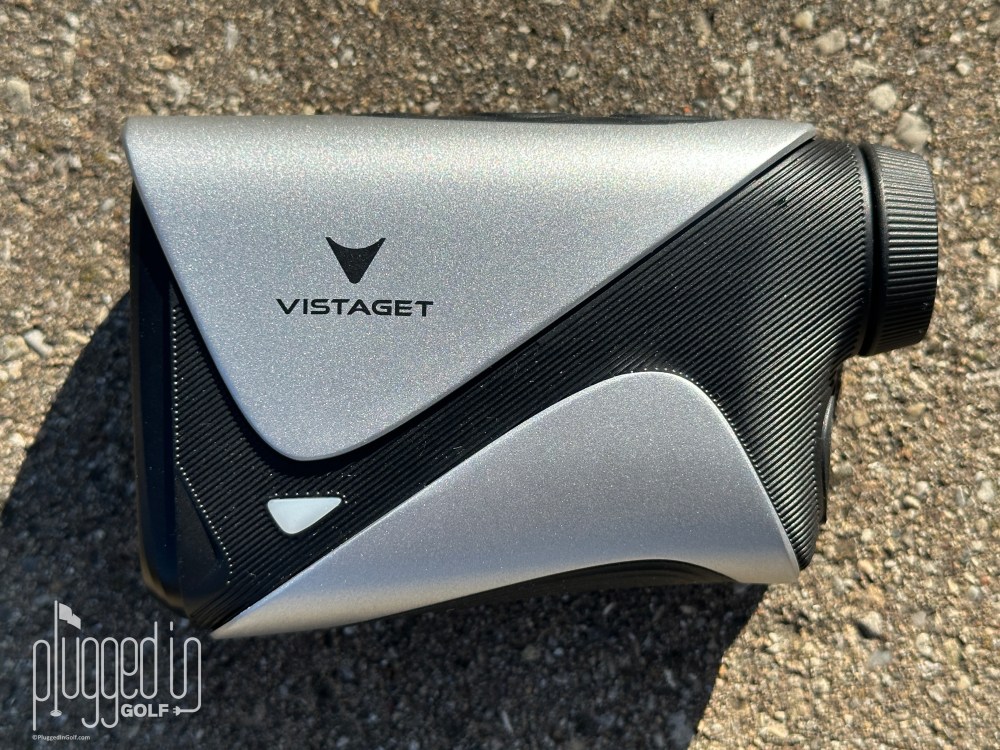
Another thing that really impressed me about the Vistaget Golvia Pro rangefinder was the size and shape. At roughly 4.25″ X 2.5″ X 1.5″ and weighing 7.4 ounces, this is on the smaller side but not in the compact or micro category. The shape is more boxy than oval, which, paired with the rubber pad on the bottom, makes it feel more secure in my hand. Overall, I think this is near perfect in that it will work well for a wide range of hand sizes, can fit in a pocket, but won’t get lost in your golf bag. I’ll add that it has a sturdy, high quality feel – not quite the indestructibility of a Bushnell but miles better than most in its price range. [See Price / Buy]
An elevated feature that the Vistaget Golvia Pro includes is TriMeasure Mode. Other manufacturers call this Ball-to-Pin or Coach Mode. Regardless of the name, it’s the ability to stand in location A, shoot locations B and C, and have the rangefinder tell you the distance from B to C. This is a huge benefit on cart path only days or when trying to plan out a hole.
Not only does the Golvia Pro include this high end feature at a reasonable price, it executes it better than any other rangefinder I’ve tried. The display clearly shows you which step of the process you’re on and then displays all three distances when you’re done. This removes all the guesswork and uncertainty, allowing the feature to live up to its potential.
Speaking of the display, the Golvia Pro’s is as good as it gets. It’s a red and green OLED display which is crystal clear and capable of being very bright. Each item in the display is fairly large, which makes it very readable. Your straight line yardage is displayed below the aiming reticle. When the slope adjustment is turned on, the angle is displayed at the top and the slope adjusted yardage is at the bottom.
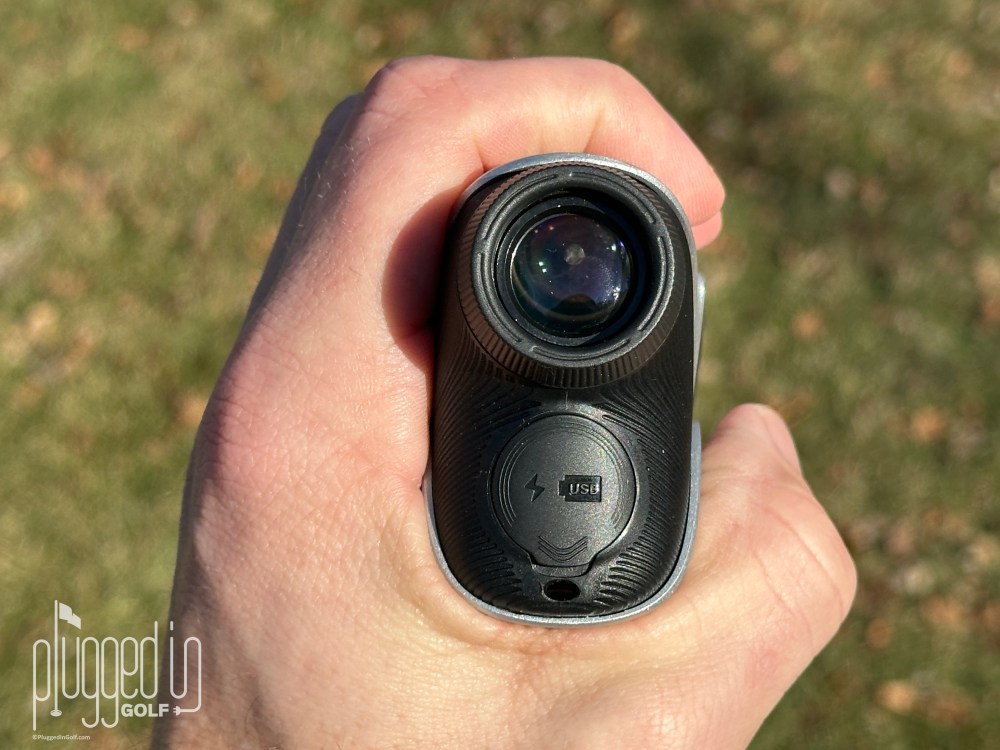
Finally, the Vistaget Golvia Pro runs on a rechargeable battery. There is a battery life indicator in the display, and a full charge is estimated to last for nine hours (the unit shuts itself off after ten seconds, so nine hours should be over 3,000 ranges). There is a cart magnet on the side which is on par with most other rangefinders that I’ve tested recently.
Value
The Vistaget Golvia Pro rangefinder retails for $249. [See Price / Buy]
Update: As of April 2026, the Golvia Pro is now under $200. The value is out of this world.
Given all its great qualities, I think the Vistaget Golvia Pro is one of the best rangefinders for the money. The other that comes close, and is slightly less expensive, is the Voice Caddie Laser FIT [review HERE]. This is a bit smaller, which could be positive or negative depending on your perspective. If you want something super tiny with similar features, you can check out the Mileseey IONME2 [review HERE] but that costs $400.
Check out the $99 Golvia 30 rangefinder HERE
Conclusion
While my instincts about golf equipment are quite good, the Golvia Pro proves they are not flawless. Despite its uninspired packaging and weird, generic name, the Vistaget Golvia Pro rangefinder delivers when it comes to what matters: features, performance and price. If you’re in the market for a new laser this year, this is definitely one to consider. [See Price / Buy]
Stop calculating and start deciding. Golvia Pro delivers Decision Certainty with a clear 7X view, tournament-proven ±0.5Y accuracy, and instant vibration confirmation.


He founded Plugged In Golf in 2013 with the goal of helping all golfers play better and enjoy the game more.
Matt lives in the northwest suburbs of Chicago with his wife and two daughters.
- Dixie Red Hills Golf Course Review - October 23, 2026
- Foresight GC2 Launch Monitor Review - October 20, 2026
- Aldila Rogue ∞ CB Shaft Review - October 20, 2026






Join the Conversation | 5 Comments
Buying mine now!
Amazon has this for $199 right now (3/5/2026) with a coupon that can be used on the site.
Use the link provided and support PIG. Thanks for reading.
– Meeks
Amazon price is currently $229.99 with a $30 off coupon, for a sale price of $199.99. I’ve ordered one.
Use the link provided and support PIG.
– Meeks