

50 Words or Less
The Shot Scope LM1 launch monitor is the best value in launch monitors for the golfer looking to improve their game. Fast, accurate, and easy to use. Data lives in the Shot Scope app where you can use it to improve your scoring.
Introduction
No product came out of the 2026 PGA Show with more hype than the Shot Scope LM1. We named it Best of Show [read more HERE], and everyone we saw at the show wanted to talk about it. The appeal is obvious: a $200 launch monitor from one of the most respected brands in golf technology. But can it live up to the hype and actually help golfers improve their game? I tested it to find out.
Set Up & Ease of Use
One of the best things about the Shot Scope LM1 is how easy it is to use. This is a totally standalone unit – no need for apps, phones, or tablets. Per Shot Scope, it takes 25 seconds from power on to hitting your first shot. I found that 25 seconds is very conservative – I was typically ready to hit in about 10 seconds.
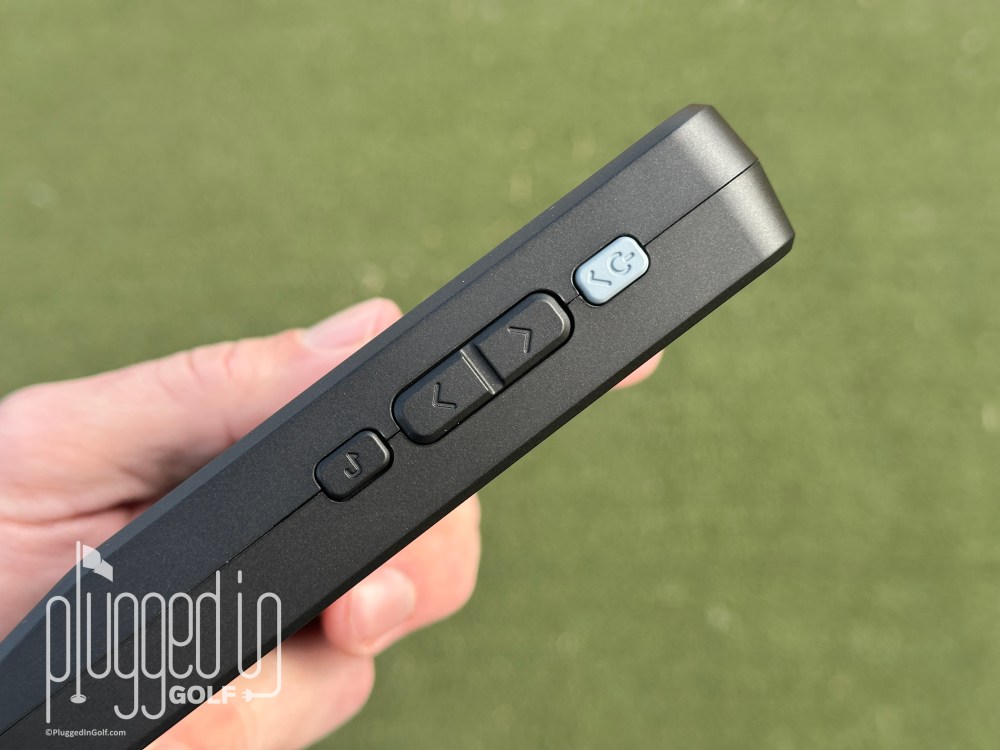
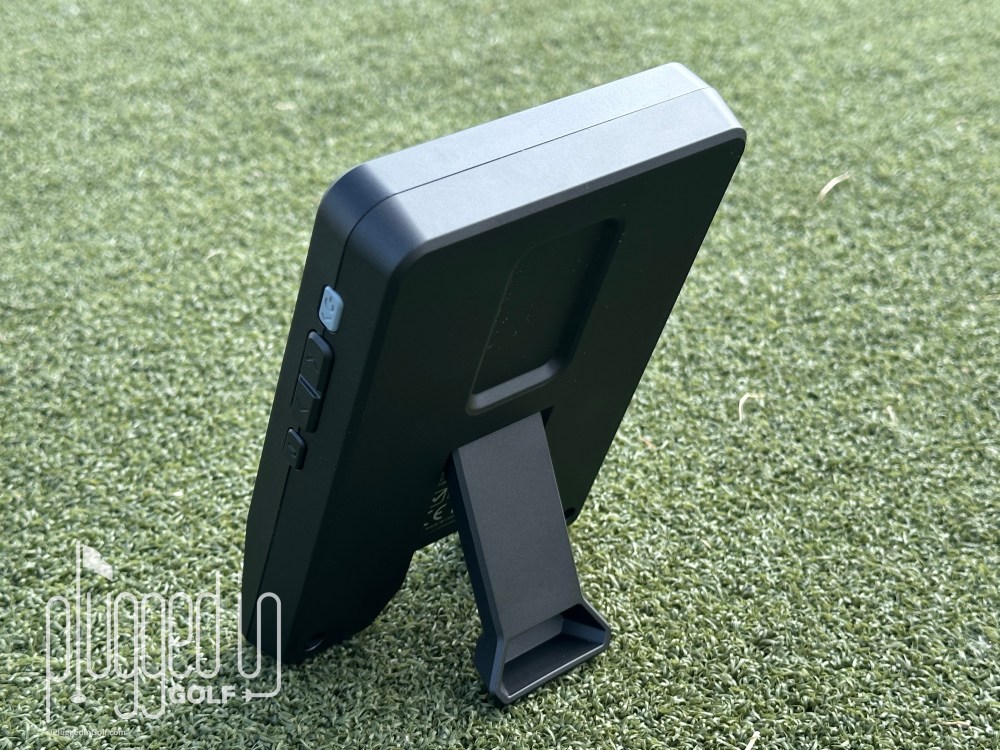
There are four buttons on the LM1, all on the device’s right side. Start by turning it on with the grey power button. From there, click the power button again to select “Start Session,” then choose from Speed Training, Practice Range, and On Course. The data screen will appear, you’ll use the up and down buttons to select the right club, and you’re ready to go. And speaking of speed, the LM1 is lightning quick: by the time you hit your follow through position, your numbers will be on screen.
Additionally, you don’t need a ton of space to use the Shot Scope LM1: it needs to be just 55″ behind the ball. I tested the LM1 as close as 44″ and as far as 90″ and was still getting consistently good readings with my driver. While I would advise you to use Shot Scope’s suggested 55″, it’s nice to know that you don’t have to be set up perfectly to get data.
The only complaint I have about using the Shot Scope LM1 is that you have to remember to change clubs, and that has to be done on the launch monitor. To be fair, this is only an issue if you want to import your data into the Shot Scope app. If you just want to see your data shot by shot, selecting the right club doesn’t matter. However, if you want your data to be accurate in the app, you need to select the right club for each shot. [See Price / Buy]
Accuracy & Features
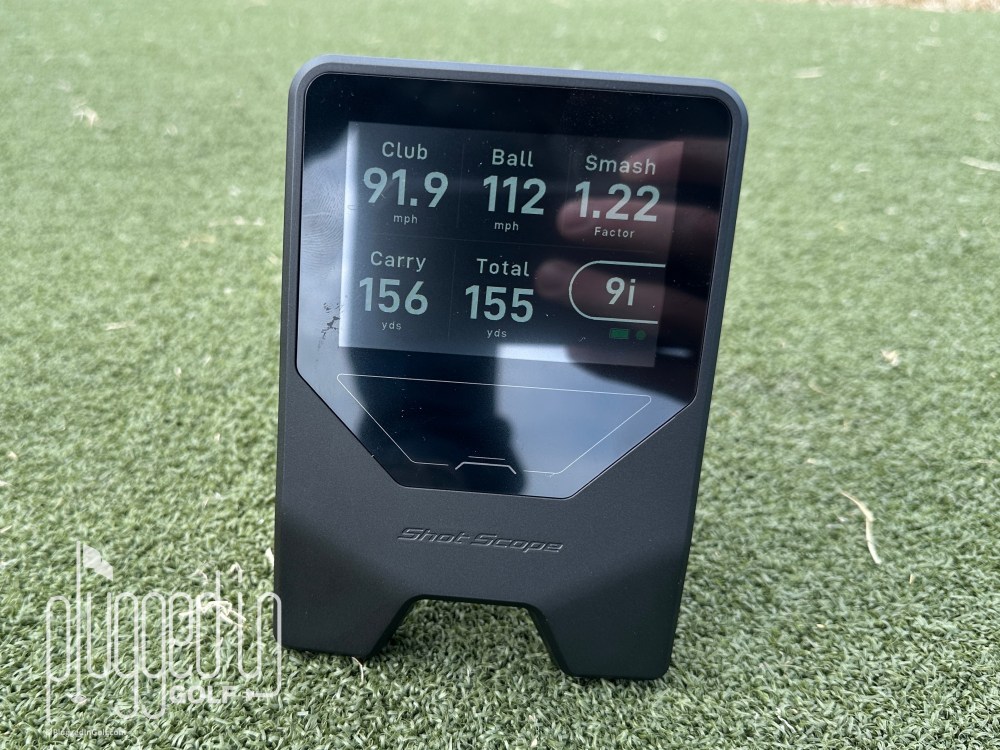
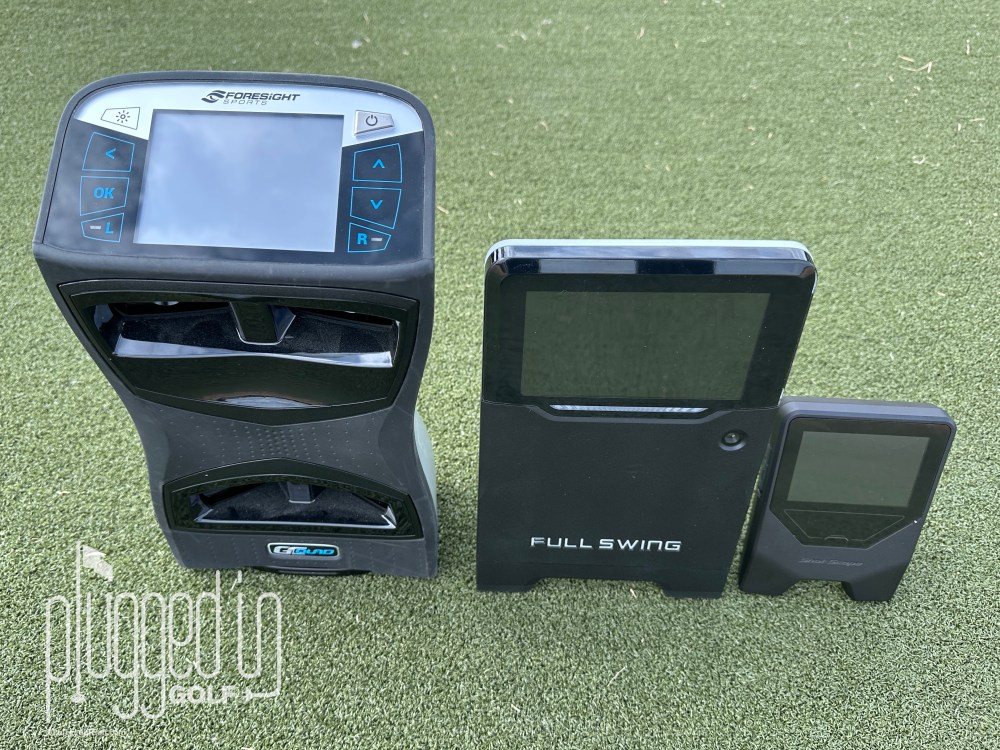
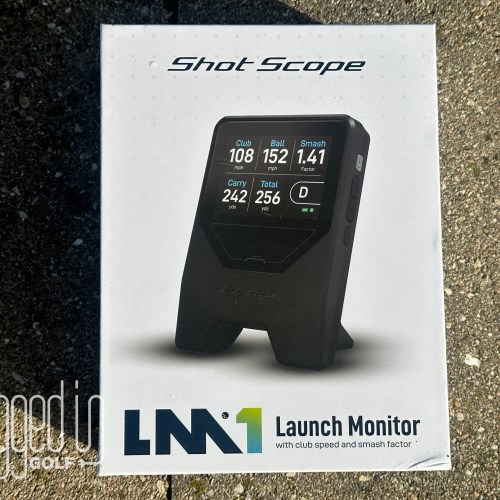
The Shot Scope LM1 provides a simple, easy to understand suite of numbers: swing speed, ball speed, smash factor, carry distance, and total distance. To test its accuracy, I ran it head to head outdoors against a Foresight GCQuad [review HERE] and a Full Swing KIT [review HERE]. I also tested it indoors against the GCQuad.
Overall, I found the accuracy of the Shot Scope LM1 very impressive. Testing with irons, I found that about eight out ten shots were within one yard of the launch monitors that cost 25 or 100 times more. Of those other two shots, one was within two yards and the last was within three or four. The ball and club speeds were even more impressive, rarely being off by more than 1 MPH. [See Price / Buy]
Typically lower priced launch monitors struggle with the ends of the bag – wedges, fairway woods, and drivers. That was not the case with the LM1. While I did see some slightly larger disparities on bad mishits with the driver – 5 to 7 yards – normal strikes were within the ranges outlined earlier. As a practice tool to help you dial in your ball striking and understand your game, the Shot Scope LM1 is fantastic.
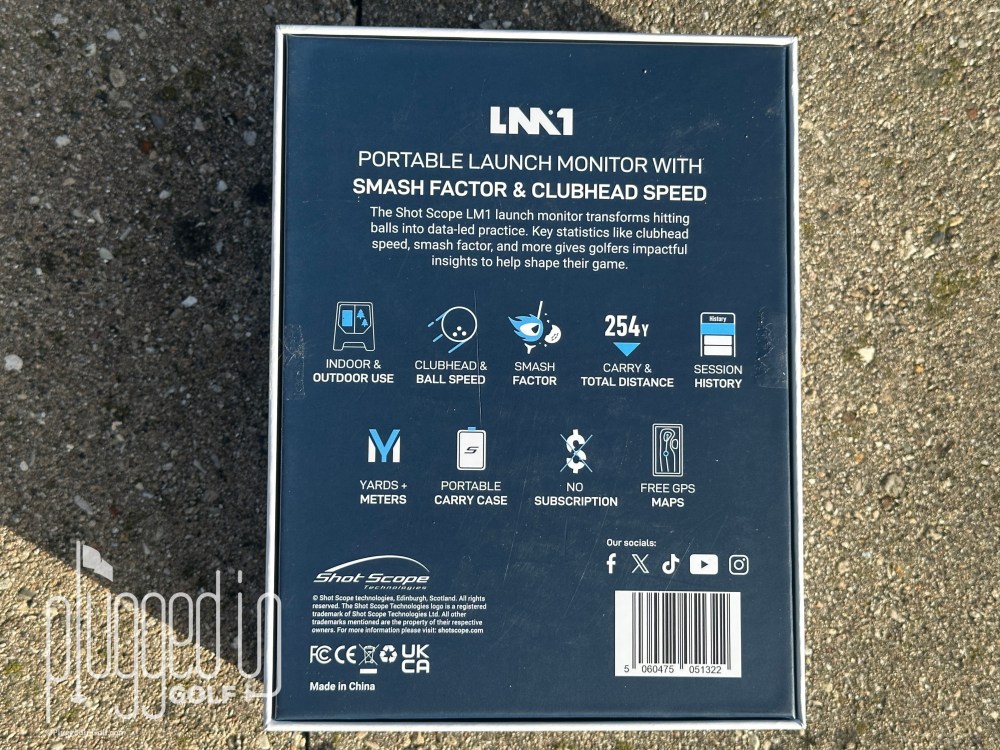
It is worth taking a moment to note what the LM1 does not do. This does not power golf simulation. This does not report spin or launch angle data. It does not measure dispersion. For my purposes, all of this is fine: I don’t play simulator golf, and the higher level stats are only valuable when they’re done really well. If they’re hit and miss (as they often are below the professional tier), spin and dispersion numbers are counterproductive. This is also where I’ll note that the LM1 only costs $199.
Back to what the Shot Scope LM1 does do, the speed training mode is excellent. Set it up as you normally would, then swing your driver or speed trainer as fast as you can. The swing speed pops up in a large, one number display. [See Price / Buy]
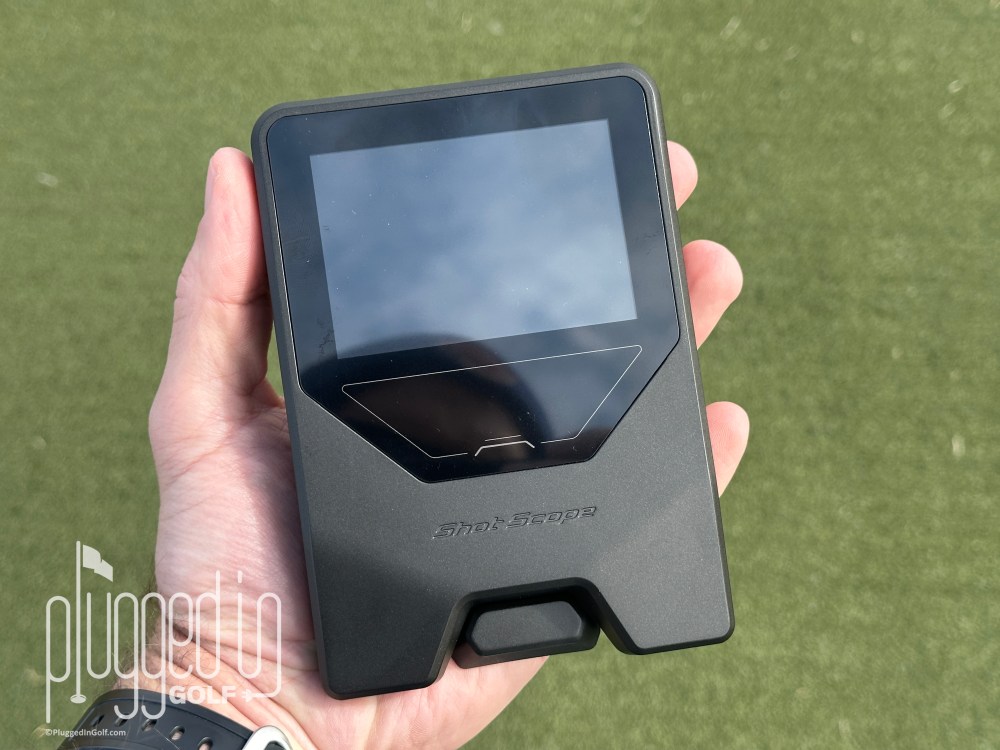
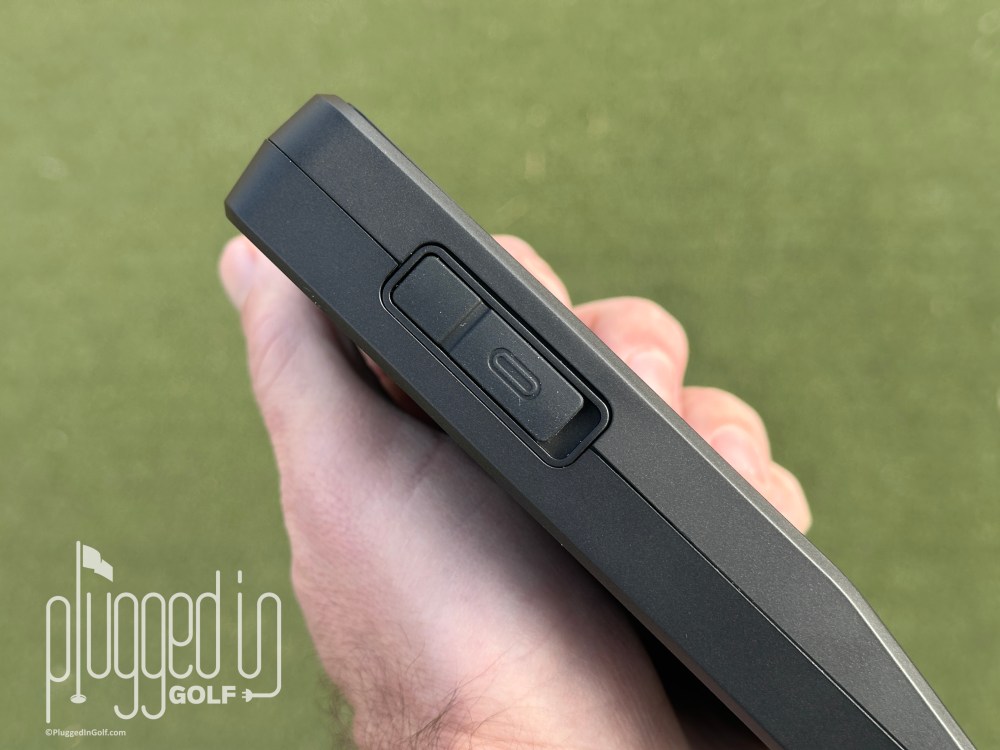
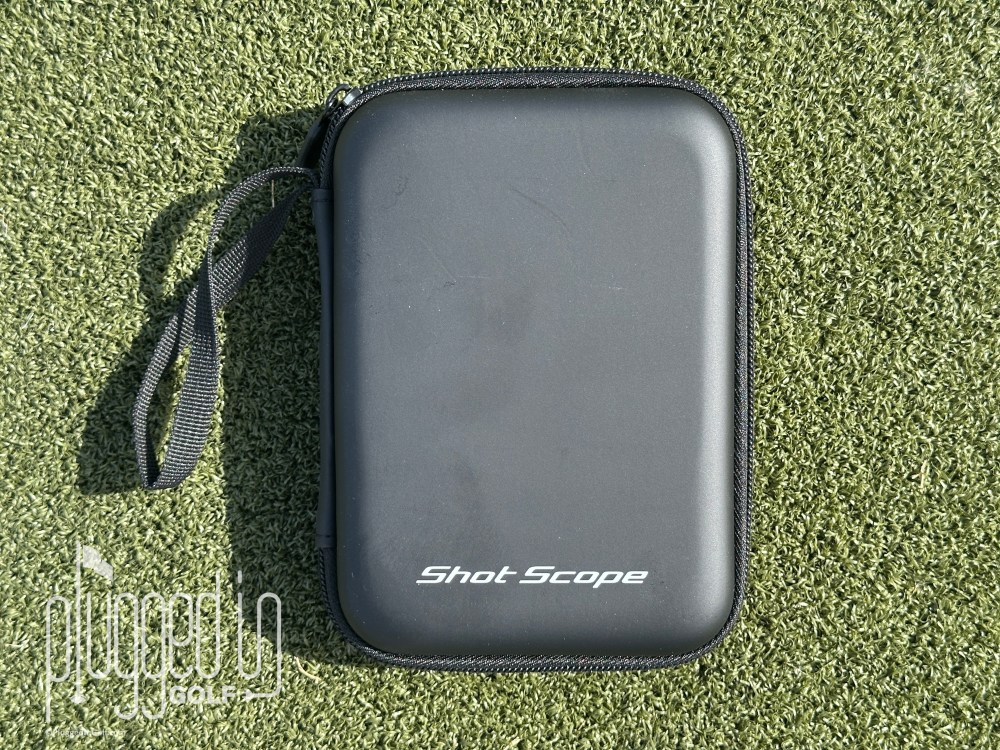
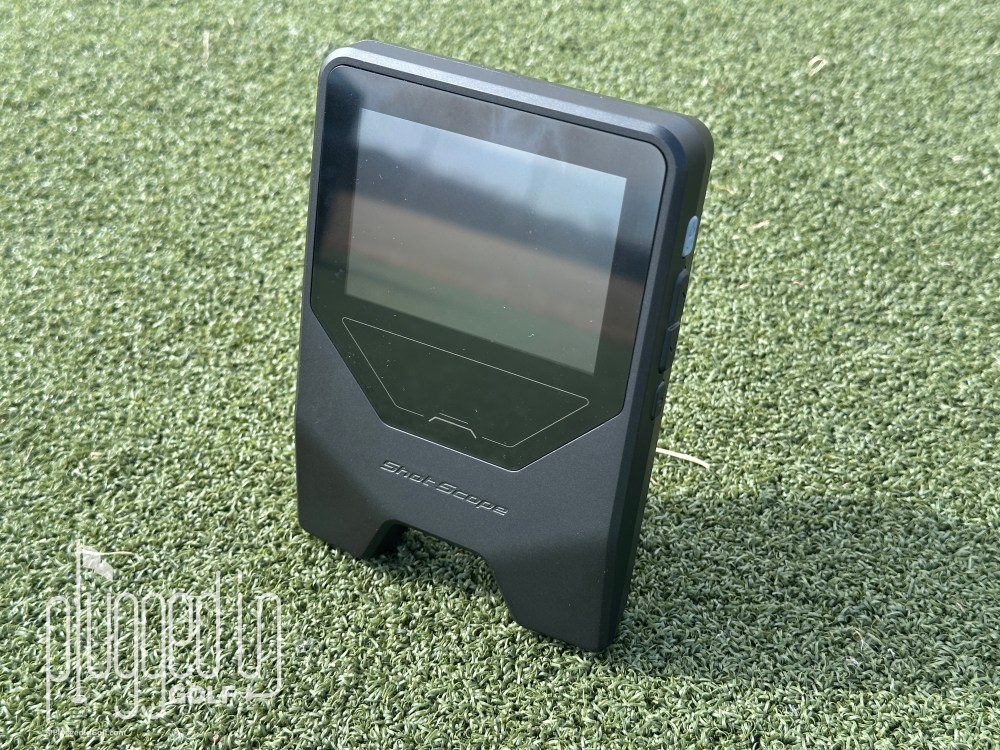
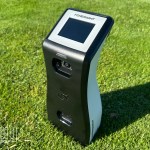
Finally, another major plus for the Shot Scope LM1 is the size and durability. As you can see above, this is a very compact device – 4″ X 5.5″ X 1″ and under 11 ounces – which means it can easily live in your golf bag, even if you’re a walker. It’s also rated IPX3 waterproof, meaning you can practice with it in a light rain. The 3.5″ color display is also bright and easy to read, even up to eight feet away.
Shot Scope App Integration
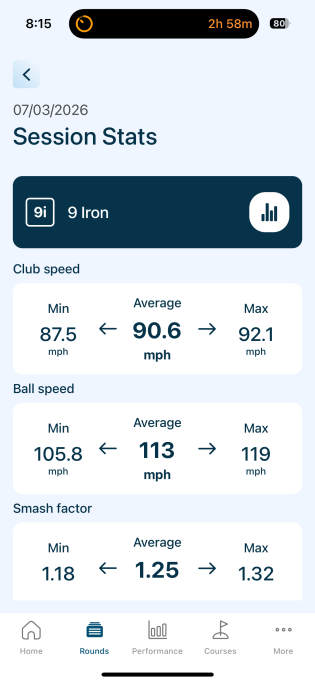
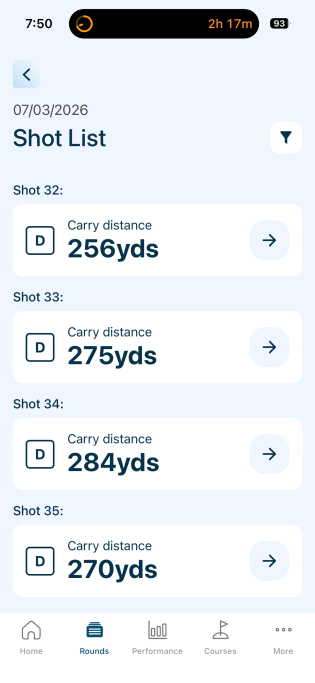
One of the major advantages of the Shot Scope LM1 over similarly priced launch monitors is its integration into the Shot Scope ecosystem. After your range session, connect your LM1 to the Shot Scope app. All your practice data will be uploaded to the app in a matter of seconds.
Inside the app, you can sort your shots by club, or review the entire session shot by shot. Looking at each club shows you the minimum, maximum, and average for each of the five data points. This fairly simple functionality has major benefits to your understanding of your game. Knowing your true average and your range of distances with each club can elevate your course management and scoring.
My expectation is that Shot Scope will continue to roll out new ways to use your practice data, and I will keep this section updated as those features are introduced.
Value
The Shot Scope LM1 retails for just $199. Support Plugged In Golf at no additional cost by buying it HERE.
This is a great value, made even better by the fact that there are no subscription fees. If, like me, you’re sick of everything being a recurring cost, this is reason enough to buy a LM1. [See Price / Buy]
Conclusion
For the vast majority of golfers, the Shot Scope LM1 is the launch monitor they should own. This is fast, accurate, affordable, and easy to use. It provides all the data you need without distractions, and it presents it in a way that can actually help your game. [See Price / Buy]
The Shot Scope LM1 launch monitor is the best value in launch monitors for the golfer looking to improve their game. Fast, accurate, and easy to use. Data lives in the Shot Scope app where you can use it to improve your scoring.

He founded Plugged In Golf in 2013 with the goal of helping all golfers play better and enjoy the game more.
Matt lives in the northwest suburbs of Chicago with his wife and two daughters.
- Foresight GC2 Launch Monitor Review - October 20, 2026
- Aldila Rogue ∞ CB Shaft Review - October 20, 2026
- Macro Golf SquareStroke Shaft-Handle Review - October 19, 2026






Join the Conversation | 29 Comments
I purchased the PRGR at about the same price per Plugged in Golf’s recommendation and have found it to be extremely accurate as well. The one downside to the PRGR is its use of AAA batteries. What is the battery situation with the LM1 and how long do they last? Thx.
Dan,
It’s a rechargeable battery via USB. I didn’t time it exactly, but the battery lasted several range sessions without issue.
Best,
Matt
How is the accuracy with range balls? Trackman Range has a “Convert” mode that converts to a premium ball to supposedly give more real life numbers.
Bill,
I tested with all types of balls indoors and out and found the same accuracy.
-Matt
Hi Matt:
Thanks for the review!
You wrote,”[a]fter your range session, connect your LM1 to the Shot Scope app. All your practice data will be uploaded.” Is this as simple as a few clucks in the app? Or is hardwire required?
Thanks!
Toby,
It connects via Bluetooth, no cable required.
-Matt
Thanks for the review, Matt. Completely agree with you on the value of spin and dispersion measurements for LMs below enterprise grade models like GCQuad/and TM.
My LM (a SC200+) has a problem reading wedges consistently if they’re launched higher. You mentioned the LM1 picking up everything from wedges to driver, and measuring ball and club speed to 1 MPH accuracy. With the wedges and partial wedges, were you varying launch windows very much?
Just trying to figure out if this LM1 will pick up some of my moon balls any more accurately than my current LM. Thanks!
George,
I was getting good readings on all types of wedge shots.
Best,
Matt
My LM1 does not read any data if my club speed is over 115. Really big issue that I have discovered.
I recently bought the LM1 and it does just what you stated. The only thing I found was if you are practicing on mats (as is normal this time of year March), I found I had to place it on the carry case to get the system to work. Minor issue as it worked great. Looking forward to using it on my next practice round.
Thanks for the review, Matt. I’ve been very interested in this guy since I first heard about it. For the price and no subscriptions, they’re going to have a tough time keeping them in stock.
Question: did you get to try the “On Course” portion? I’m curious as how it’s used and what data you can glean after a round in the app. Or if it does anything with the data in the app at all after the round.
Jason,
Given the time of year/weather in Chicago, I have not used that function yet.
My assumption is that it’s just another way to pick up shots, but I may be completely mistaken. I’ll be updating the review once I get the LM1 on course.
Best,
Matt
Very interested in this and definitely considering getting one at some point, as are many readers I am sure lol
But I’m curious how a launch monitor can give an accurate carry distance number if it isn’t calculating/reading spin and launch angle, at least in some way. Does this calculate those values and just not show them?
Mike,
I’m not going to pretend to be a radar specialist – I’m not. That said, I do suspect there’s more going on in the LM1 than what is shown to the user.
Best,
Matt
I’m a ShotScope fan currently using one of their watches and lasers but this appears to be just the PRGR unit in a larger/nicer package and I paid a bit less for that device. Is there anything the LM1 does better or beyond the PRGR monitor?
Kevin,
The integration into the Shot Scope app is huge. There’s no way to review your data with PRGR.
-Matt
Hi Matt,
It seem to be a very good product.
You made a Nice reviews of it.
How do you compared it to swing caddie sc4 pro for the value?
Best regards,
Richard,
The SC4 Pro is fantastic, but it costs over twice as much. If you want to do simulation, the SC4 Pro can’t be beat for value. If you don’t care about simulation, the LM1 is the easy winner.
-Matt
How does the similarly priced PRGR monitor compare with this Shot Scope offering? Or are the features very similar?
John,
The LM1 has the ability to put your data into the Shot Scope app and has a better display. I’d be curious to run them head to head and test the accuracy also – my recollection is that the PRGR is not on the same level as the LM1.
-Matt
Great review Matt! I have a OG Rapsodo MLM which was decent when I had the subscription. However from a speed training standpoint I always had misreads where is was reading my back swing and not my full swing. Any issues with that an the LM1? If you were to go with a LM, would you go with this over either of the PRGR or the OG MLM? When it pulls into the app, it does not give dispersion circles then? I would assume yes since this wouldn’t drain your phone battery, has a rechargeable battery, no subscription and integration into the app. Does that about sum it up?
Randall,
I saw the LM1 measuring my backswing only when I had it put off to the side, essentially when I wasn’t trying to use it.
If I were buying a launch monitor for personal improvement right now I would buy the LM1.
Best,
Matt
Great review and follow up comments/answers. To my detriment, I’m an early adopter to any and all technology, especially for golf. I’ve tried several club sensors to track my shots while playing. After trying different ones ( Shot Scope, Garmin, Arccos and others) I decided on Arccos. So my question is “does this LM1 have an easy transfer of data into Arccos world?”
No.
Matt,
As a Coloradan, any idea if this will adjust for elevation?
Thanks
Patrick,
There’s no elevation adjustment at this time. That said, if you’re outdoors, this will track the entire ball flight, so no adjustment is needed.
Best,
Matt
My launch monitor doesnt work at all! Right out of the box the raidar doesnt pick up anything.. waiting to hear from support as I was really looking forward to using the device
I received my LM1 about 3 weeks ago and found it easy to use and data was readable on the range or course. I do have a PRGR and an old SC200 so pretty good comparisons between the 3.
I found the LM1 to be pretty consistent vs the SC200, the latter providing erratic results especially with wedges. However, two features I liked with the SC200 were the remote and the ability to change loft settings, i.e. driver.
The PRGR is about as generic as they come for a LM, but I assume it was exclusively designed for speed training. One annoyance is that you have to mount the PRGR on a tripod or other elevated surface. And I was always hunting for fresh batteries.
I really like the app integration with the LM1 (a huge advantage), although the sync instructions were a bit vague (actually nonexistent). I’ve been a Shotscope App user forever, so it took an extra minute but not very challenging. On course works really well, I use it in the evenings when there’s no one on the course but having a notes section where I can add driver setting or different balls used would be a game changer.
At this point, a disadvantage of the speed training issue on the LM1 is that you can’t aggregate the data or sync it with the app. I hope that comes in the future. In the meantime I just capture the data the old fashion way – pen & paper.
Conclusion: I really like the LM1 and combined with the App, consider it far better than other inexpensive LM’s and especially at this price point.
Overall very happy with this. Believe it is a great value an helps with practice sessions. Would buy again. #SecretGiveawayH50