

50 Words or Less
The Bushnell Phantom 3 Slope GPS is accurate and easy to use. Touchscreen and slope compensation offer a big upgrade from the previous model. Stat tracking and strong magnet add to the value and desirability.

Introduction
When you think of distance measurement devices in golf, Bushnell is certainly a household name. And while laser rangefinders like the Pro X3+ [full review HERE] may be top of mind, Bushnell’s GPS units are popular alternatives. My personal favorite has been the Phantom 2, which I use nearly every time I play. Learning Bushnell added slope and a touchscreen display to the new Phantom 3, I couldn’t wait to give it a try.
Setup & Ease of Use
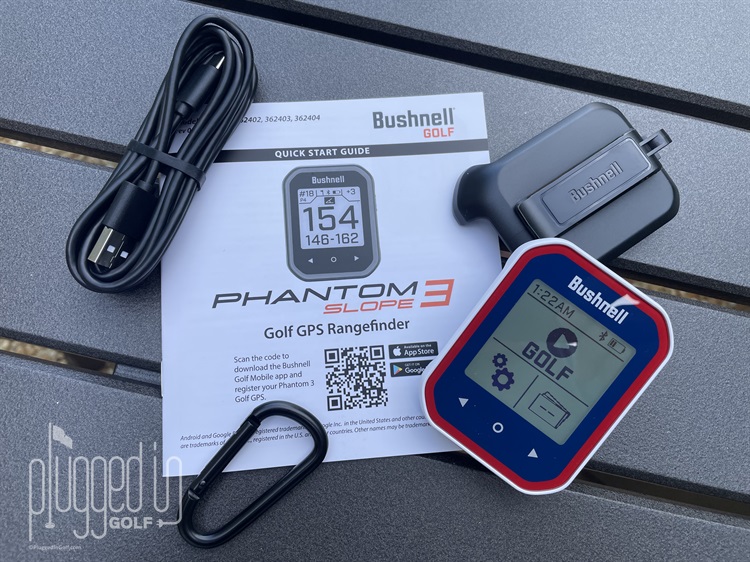
In the box I found the Bushnell Phantom 3 Slope GPS, long USB-C cable, belt clip, carabiner, and Quick Start Guide. The Phantom 3 came partially charged, and I was able to turn it on via the single side button and jump right into discovering all the features. One huge difference from the previous model is the touchscreen, which makes navigation much simpler. Other than responding to screen prompts, the only function I had to remember was to use the side button to go ‘back.’
Get unlimited battery life from the new Garmin Approach G20 Solar GPS HERE
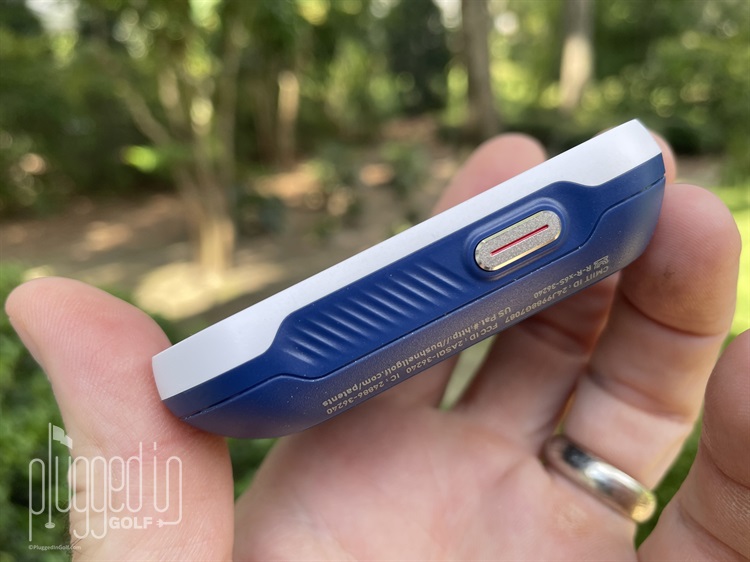
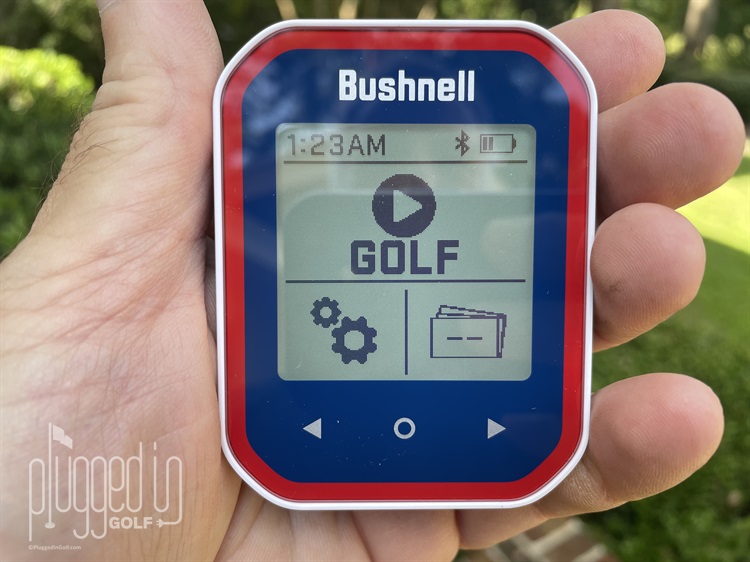
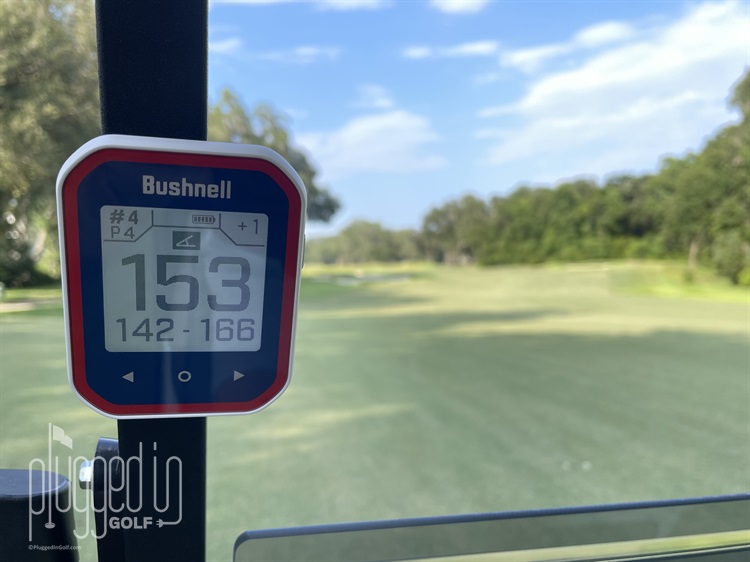
At the course, hitting the main Play Golf icon engaged the GPS satellite search which took a minute or two to find the nearest course. After selecting the course, the Bushnell Phantom 3 displayed the distance to the middle of the first green, along with front and back distances underneath. Those distances are slope adjusted unless you turn that feature off. If all you are interested in are distances, there’s no need to touch the unit again – it will automatically advance holes. But the Phantom 3 has a ton of additional features worth exploring.
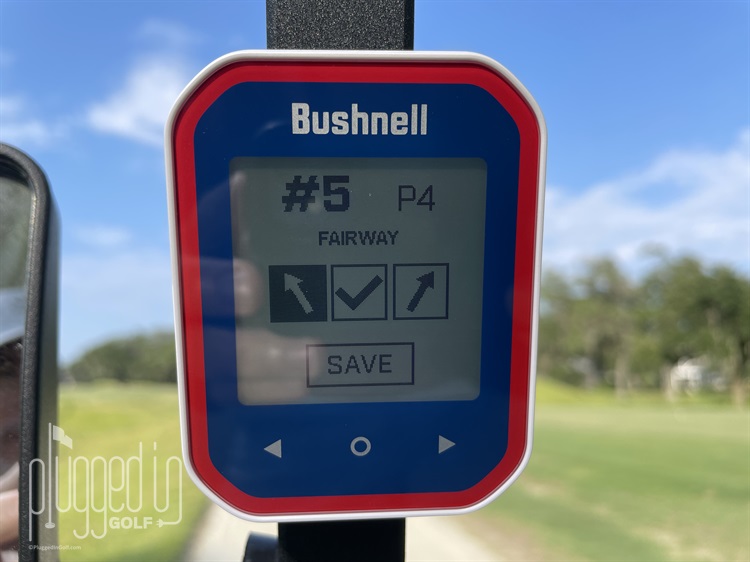
To start with, you can adjust the pin position, view distances to hazards, and set the home screen button function (including shot distance calculator). And as you play, you can keep score, track putts, note hit fairway or miss direction, and note green hit or miss location. Plus in the background the Bushnell Phantom 3 has a running round timer and odometer.
Accuracy & Performance
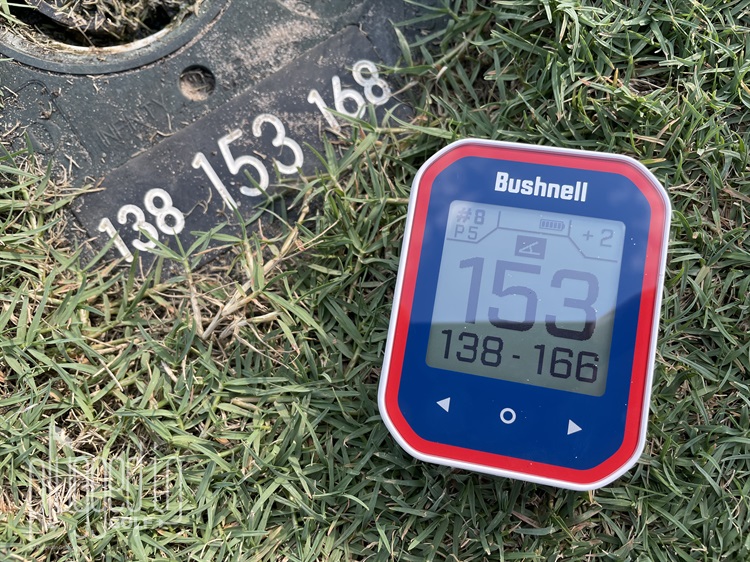
The main thing most of us want in a GPS device is accurate distances, and the Bushnell Phantom 3 performed very well. Checking yardages against my Garmin S70 Smartwatch [full review HERE] I occasionally found a yard or two difference, but the majority of the time they were in agreement. Same went for sprinkler head comparisons as captured above. I had the similar results checking yardages with my laser rangefinder in conjunction with the pin sheet. Front or back were off a yard on a couple holes – but that could also have been reflective of the pin sheet accuracy.
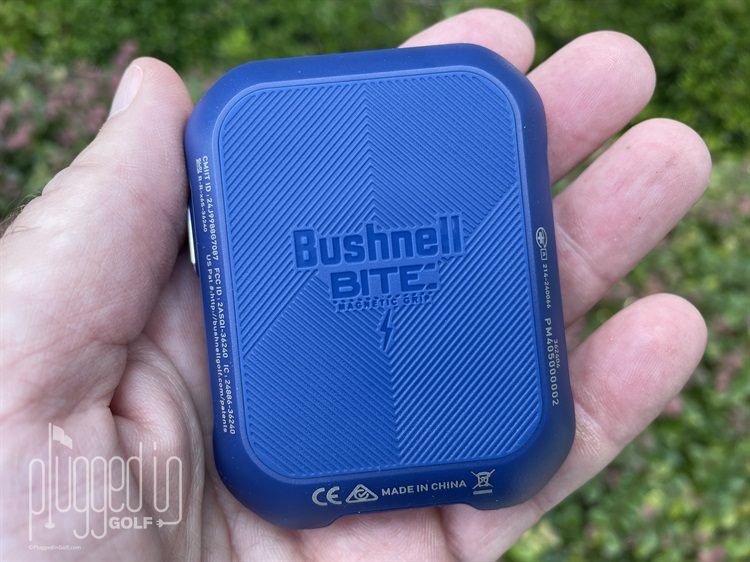
There are three main reasons I use and like the Phantom device. First, it’s great for arriving at the ball – mine or my playing partner’s – and knowing the middle distance. It just keeps the process flowing. That’s not to say I don’t often pull out my laser rangefinder to obtain some additional yardages, but I already have a good idea of what club to pull. Second, and this is a biggie on one course I frequent, two holes have mounds that block line of sight. I may still scramble to determine my target line, but with the Bushnell Phantom 3 Slope GPS I have the yardages that would be cumbersome to derive with a laser rangefinder. And finally, I love the strong BITE magnet for mounting on the cart frame. I find my cart mates often looking at my Phantom or asking about distances – again, keeping the playing process flowing.
The belt clip functioned great, it’s just not something I’d use. If I’m carrying, I don’t want something on my waist – and that’s where the carabiner is a perfect option. For me the Phantom 3 is ideal for cart use. Plus the compact size is excellent for grabbing off the cart and sliding into my pocket when it’s cart path only.
Value
The Bushnell Phantom 3 Slope GPS retails for $150 – a $20 bump from the Phantom 2. With the added touchscreen, slope, and stat tracking features, that’s a reasonable increase and still makes the Phantom 3 a good value.
You can get the same features in the base Bushnell ION watch, if you’re ok with sacrificing screen size for wearability. And if a watch is a consideration, the Bushnell ION Elite [full review HERE] for $50 more is going to be enticing. For a comparably priced GPS device the Shot Scope H4 [full review HERE] adds true shot tracking.
Conclusion
The Bushnell Phantom 3 Slope GPS is a brilliant alternative to a GPS golf watch or laser rangefinder for its size, design, and price point. The accuracy and ease of use make it a great device for golfers looking to make smart decisions on the course. The additional stat tracking features are a nice addition – especially when synced with the Bushnell Golf app.
Buy the Bushnell Phantom 3 Slope GPS HERE

- Bettinardi Antidote Hexperimental #7 Putter Review - October 15, 2026
- Garmin Approach Z10 Rangefinder Review - September 29, 2026
- Alma Mater Beta Derby Golf Shoe Review - September 25, 2026





Join the Conversation | 26 Comments
Wish these things were more price friendly
I’m glad yours is working for you, Matt but I’ve had the phantom 2 for three years and its accuracy leaves a lot to be desired. Today I lasered a pin at 147 and my phantom two said the back was 145. This is not unusual. For over $100 I would expect more.
You can easily file a support ticket within the app with the course hole and problem you had. I had it showing under 200 when I was behind the 200 marker. They replied and said an influx in recent Phantom 2 tickets and were working on it.
I’ve had the device for 2 Summers and it was accurate until recently.
I use the clip and carabiner to keep it on my bag next to my towel. I’m a push cart/trolley user. I and my playing partners glance at it similar to your experience with driving cart and bite magnet.
I purchased a Bushnell Phantom 3 GPS unit about a month ago, and right from the get-go there was a problem.
Namely: when approaching a green, at around 30 metres out, the front distance measurement no longer registers. i.e. left with a couple of horizontal dashes. The middle and back readings are still available.
Has anyone else experienced this phenomenon. Any help would be appreciated. Thanks
Really wanted to get it but with Bushnell being sold good luck with any repairs or getting anyone to help. Their emails back state clearly there is no decision if the new owners will continue to support gps side of the business. They don’t even have a repair center now.
If anyone thinks a two-yard variance in distance will make a scrap of difference, perhaps you are too good to be playing amateur Golf.
Hello,
I purchased the Phantom 3 Slope a couple of weeks ago through Amazon and it is off by sometimes 20 yards. I have compared it with Lazer shots and my old Bushnell. Anything you can do to help.
Thank You,
Robert Speaks
One sincere question Robert – are you certain the unit is set to yards and not meters? That’s the only thing I can think of. My unit has never been off more than a couple of yards.
– Meeks
Hi Matt, thanks for the response. Yes, that was brought up this past week and I checked and double checked. I had my old unit with me and my playing partner had a lazer. In many instances the back of the green yardage on the new unit came closer to matching the middle yardage on the old unit.
Robert
Matt,
Update. Possible operator error. I thought when yds was highlighted the unit displayed yds, but I think it is visa versa. Will test in the next couple of days.
Thanks
I place the Phantom 3 in my pocket when walking to the ball when cart path only. It loses all the info for that hole, with 999 or other useless info. Would screen lock be the answer to keep it on the correct fairway/hole?
I can’t explain what you are encountering. I do the same thing frequently and have never had an issue.
– Meeks
When I try to use the belt clip the unit keeps falling out of it. Is there something you have to remove to make the clip fit properly?
With mine, I just have to push it in enough for it to ‘click.’
– Meeks
Hey can this be used in the Bahamas?
As long as accompanied by a rum punch Russell. Jump on the Bushnell website and see if the course(s) you want to play are listed. I see a bunch! Need a caddy? https://www.bushnellgolf.com/support/search-available-gps-course-maps
– Meeks
How do I know when the unit is charging of has a chsrge?
When you plug in the Phantom 3 a large battery screen pops up and shows charge state. When the unit is in use, there’s a small battery graphic on the display with 5 charging level blocks – you can see that in many of the photos included in this review.
– Meeks
My only complaint is that like a previous reviewer the unit doesnt fit well in the belt clip. I have had the unit for three months and just received a new clip for the one I lost. Even when I put it in until it clicks it still pops out
I have been walking courses and trying to use the Phantom 3 for the first time but keep it in my pocket and when I pull it out I have lost the hole I was playing. It must be changing screen when I’m walking. Very confusing and frustrating, because since the device is new and I’m not that familiar with it’s functions, I dont have the distance information I need quickly. Joe
How do you tell if it’s charging itry Turing ut on get nothing but home screen
When I plug it in for charging I get a battery symbol surrounded by a 5 segmented circle that flashes and fills in during charging.
– Meeks
I have just started using Phantom 3. Carry it in my pocket. It jumps around on holes all the time and towards the end of round everything becomes 999. Also not using the score facility but another course scores started appearing in history. I really liked my previous Phantom 2 but lost it. What do I do?
Reach out to Bushnell Ray. I’m certain they’d agree your experiences are not normal.
– Meeks
Bushnell replaced my defective Ion Elite watch with the Phantom 3. What’s up with that? Bushnell has been nonresponsive to my inquiry.My initial impression is the unit pops out of the clip easily and I wouldn’t trust it.