
50 Words or Less
The Rapsodo MLM2XPRO launch monitor has the best app in the consumer launch monitor space. Tons of practice options from gamified to data-driven. 30,000+ simulated golf courses. Great accuracy with the RPT golf balls.
Introduction
When it comes to launch monitors, golfers are often forced to make a choice: do you want the best possible accuracy or do you want a slick, fun user experience? The new Rapsodo MLM2XPRO launch monitor aims to give you both. The brand new app is definitely appealing, but is this all sizzle and no steak? I tested it to find out.

Set Up & Ease of Use
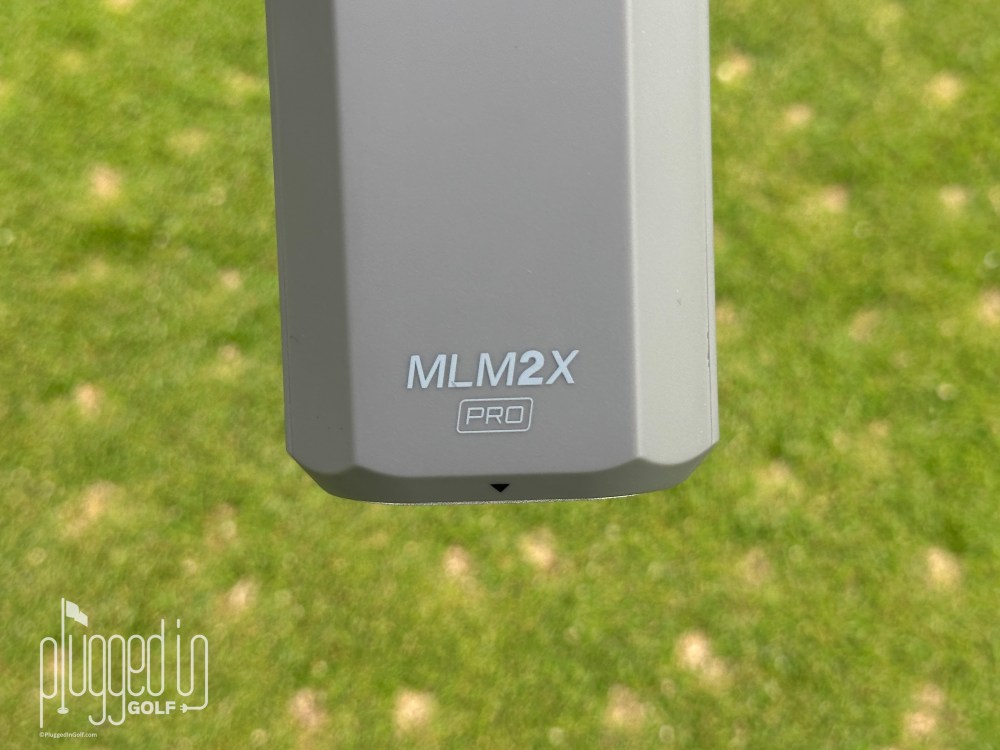
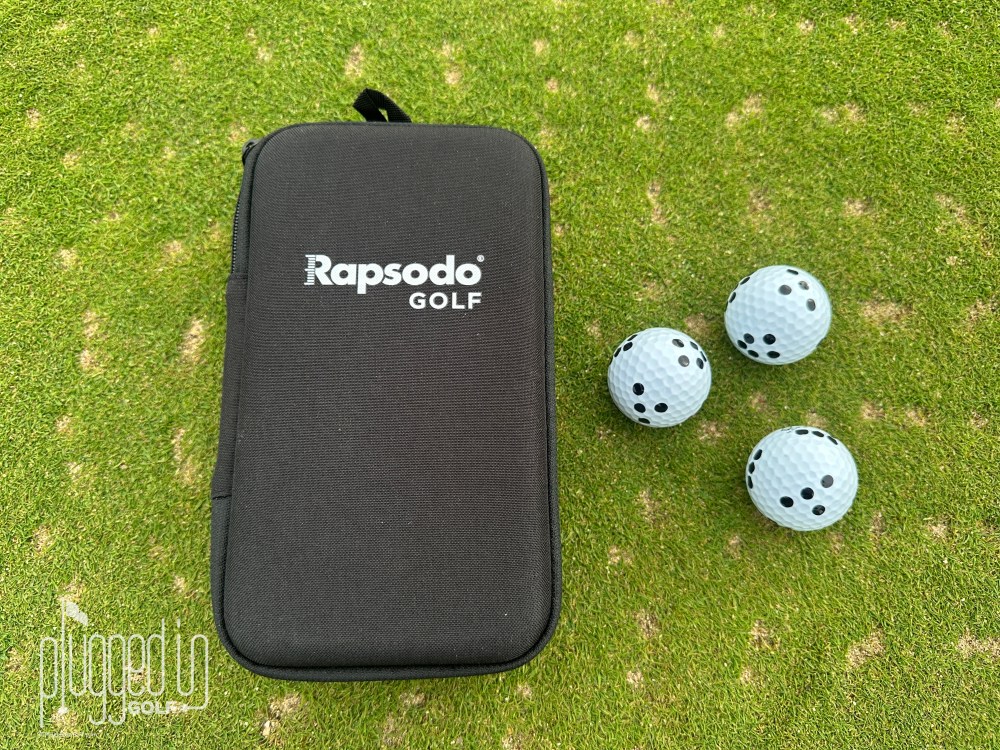
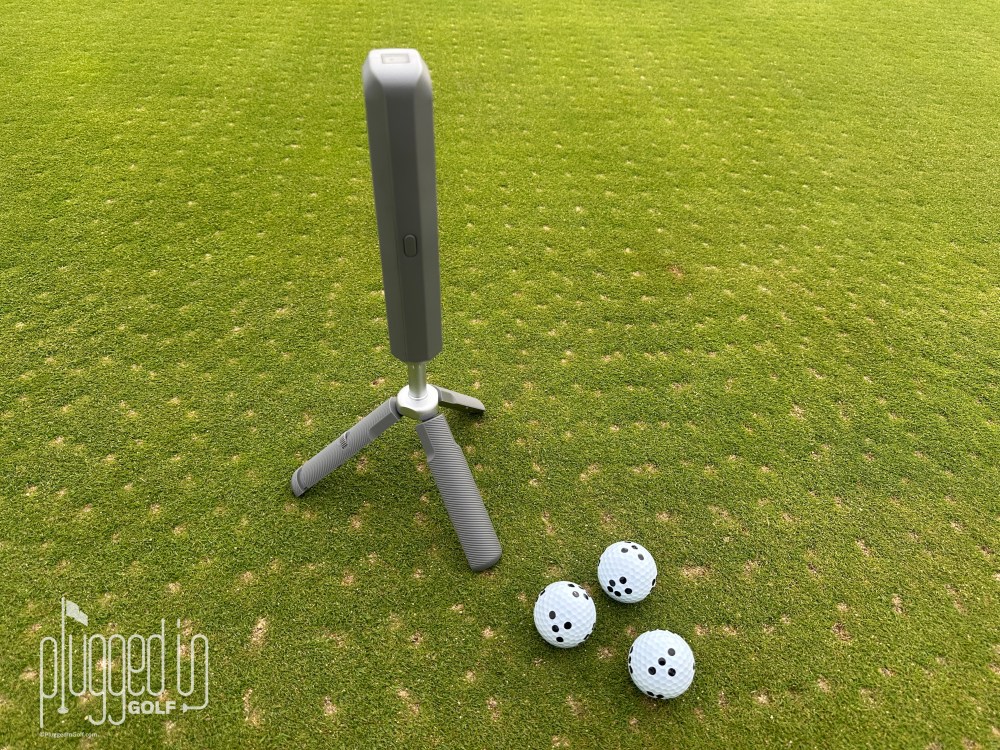
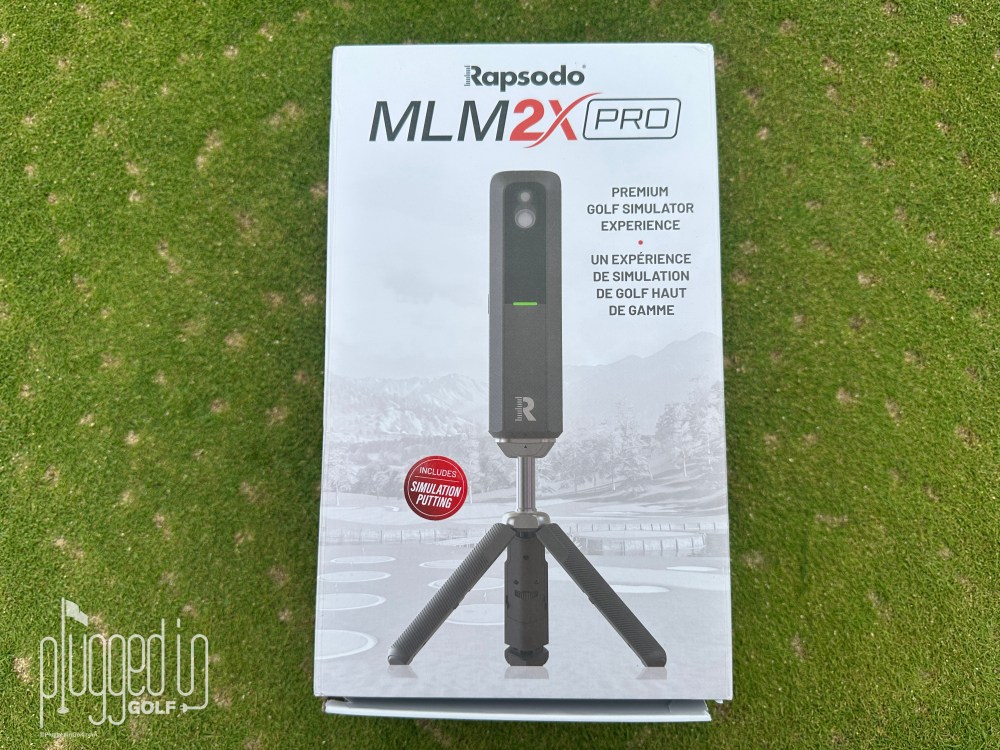
The Rapsodo MLM2XPRO comes with a carrying case, proprietary tripod, a dozen specially marked golf balls (either Callaway Chrome Tour or Titleist Pro V1), and the launch monitor hardware. You do need to connect the MLM2XPRO to a device – phone or tablet (Apple or Android) – and the new Rapsodo app. You can also connect to a PC, but that only works with an annual subscription (more on that below).
One of the big upgrades with the MLM2XPRO over the original MLM2PRO [review HERE] is the connection speed. Rapsodo claims it’s 2X faster, and I believe it – every element of this works in the blink of an eye.
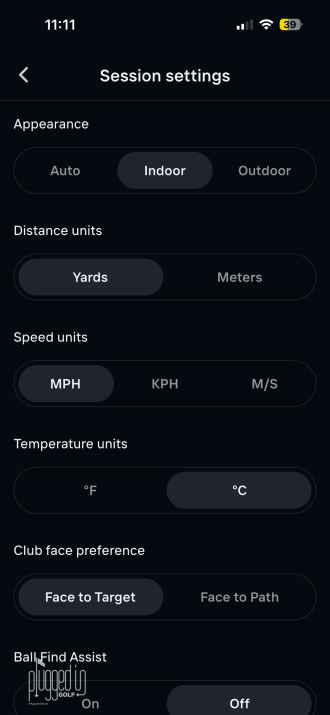
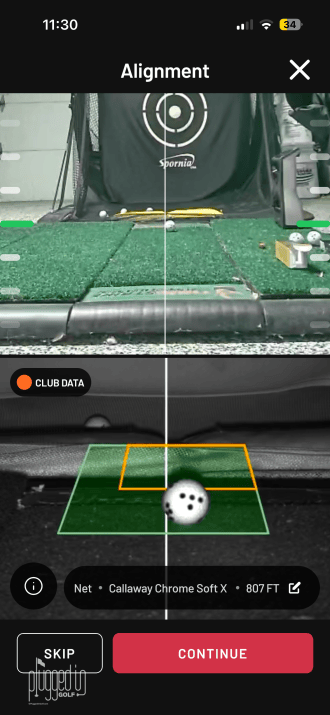
In addition to making the connection faster, there are several small things that Rapsodo has done to reduce the friction of using the MLM2XPRO launch monitor. A small screen sits on top of the hardware which shows the battery life and helps you to set the device level. There are also LED lights around the device which indicate whether or not the ball is in the right position to have a shot measured. Individually, these things aren’t huge, but they add up to a user-friendly experience that’s going to make you want to use the Rapsodo MLM2XPRO more.
Overall, for a device without an onboard display, the Rapsodo MLM2XPRO launch monitor is as good as it gets when it comes to ease of use. Indoors or out, near your home wifi or not, everything works quickly and seamlessly. [See Price / Buy]
Data & Accuracy
Without a subscription, the Rapsodo MLM2XPRO launch monitor has ten data points. It measures ball speed, club speed, launch angle, and launch direction, and it calculates smash factor, carry distance, total distance, apex, descent angle, and side carry. If you have the a paid membership, you also get club path and angle of attack. With a paid membership and the specially marked golf balls, spin rate and spin axis are unlocked, bringing the total data points to fourteen. Rapsodo advertises eleven and fifteen data points, respectively, but I’m not seeing the last one. I will amend this if I figure out what I’m missing.
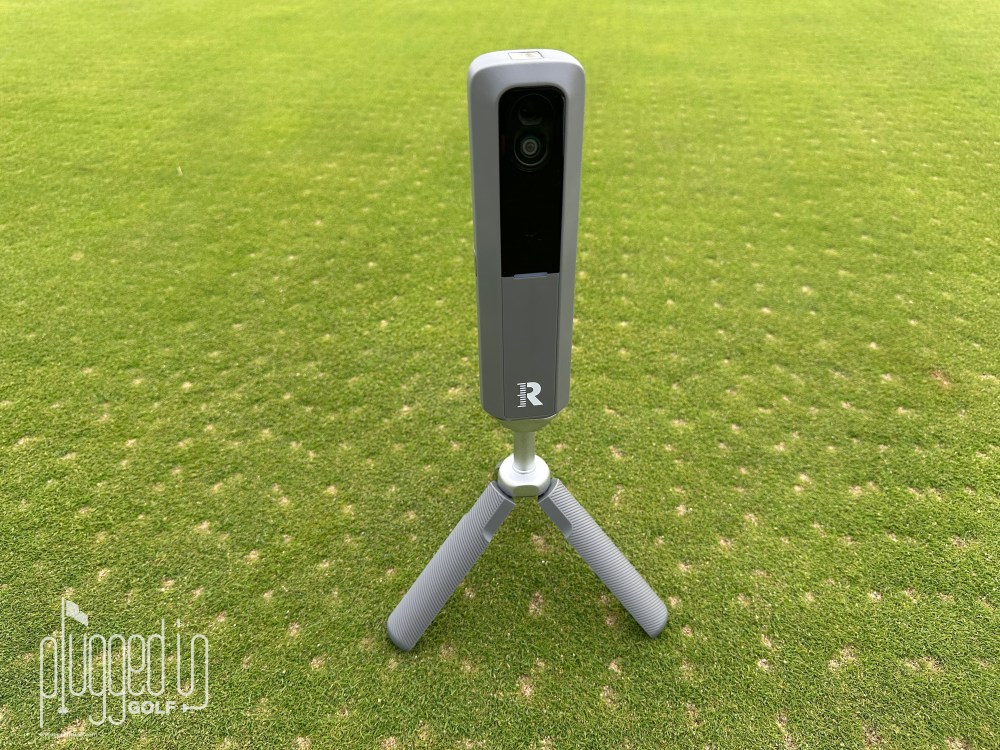
I tested the MLM2XPRO indoors and outdoors, with normal golf balls and the RPT golf balls. Indoors with the RPT golf balls, the data is outstanding. There were minimal differences between the MLM2XPRO and my Foresight GCQuad [review HERE]. Indoors with an unmarked ball, the ball speed and launch angle were still quite good, but the distances were a little less reliable. Moving outdoors, I found the ball speeds good throughout the bag, but the distances were typically overestimated with the shorter clubs. Interestingly, the MLM2XPRO was quite good with driver distance. In my experience, consumer launch monitors tend to struggle more with the ends of the bag.
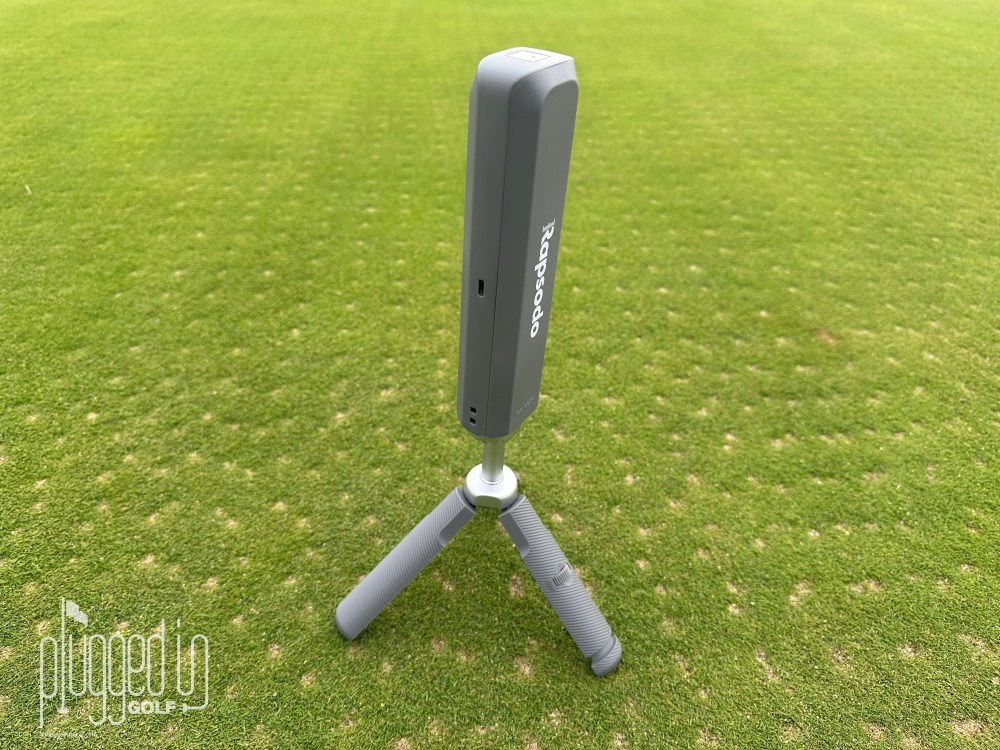
Finally, I’ll note that the speed of the Rapsodo MLM2XPRO launch monitor is impressive. Rapsodo advertises that it’s “2X Faster Shot to Show,” and I think that’s accurate. By the time your ball hits the net, there’s data on the screen.
Rapsodo Golf App & Golf Simulation
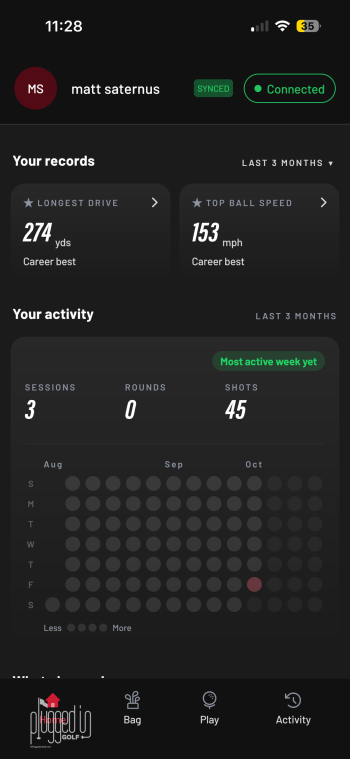
While the hardware is impressive, the real reason to jump in on the Rapsodo MLM2XPRO launch monitor is the app. Let me say up front that the majority of the app’s functionality requires an annual subscription, the cost of which is discussed in the Value section.
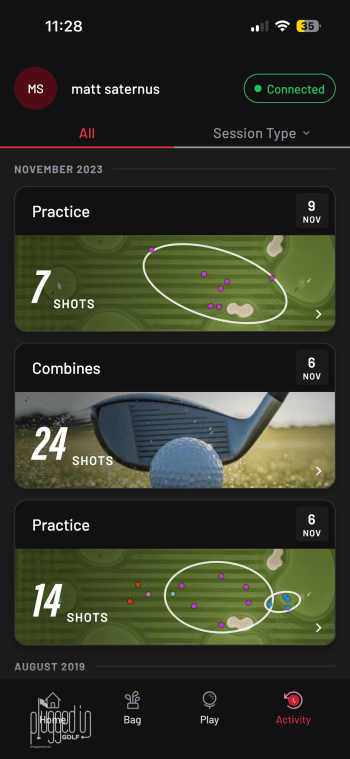
When you open the app, you’re greeted with an extended screen full of data. It includes your records (longest drive, etc), your recent activity, your stats from simulated golf, and more. Tapping the “Bag” icon on the bottom brings up your personal set, which you can customize and map. “Activity” shows your history of practices and simulated rounds.
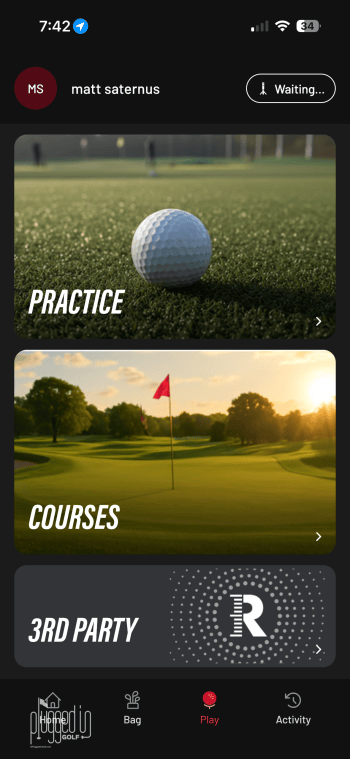
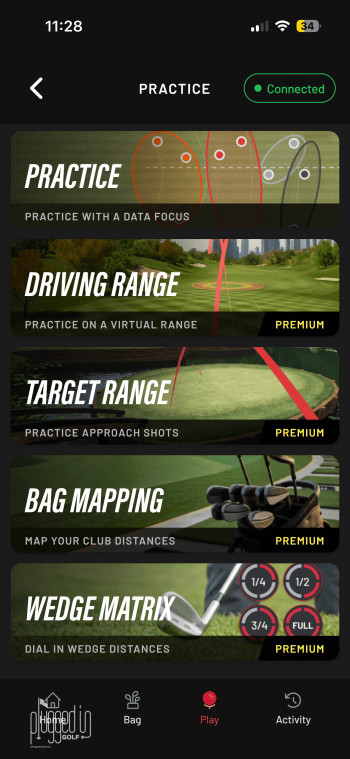
All of those are good, great even, but “Play” is where the magic is. You’re first given the choice of Practice, Courses, and 3rd Party. Tap “Practice” and you’ll get the menu you see above on the right. You can hit the driving range, practice with targets, map your bag, build your wedge matrix, or challenge your skills in the combine with the Rapsodo MLM2XPRO.
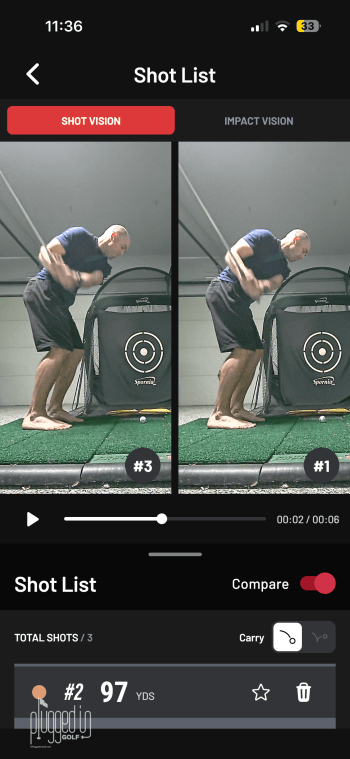
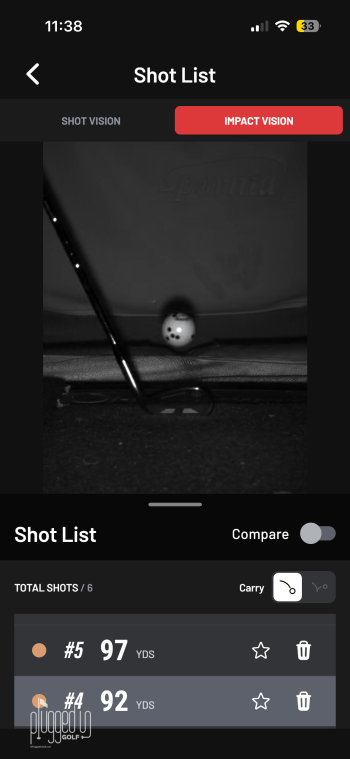
This is easily the most complete, user friendly, and fun array of practice modes that I’ve seen in an app. Whether you want more gamified practice or more data to fuel your on-course strategy, you’ll find it here. The Rapsodo MLM2XPRO also serves as a video camera, providing down the line video of your swing as well as “Impact Vision.” While I’m generally not a fan of filming your swing, the way that the swing comparisons are done in this app is fantastic.
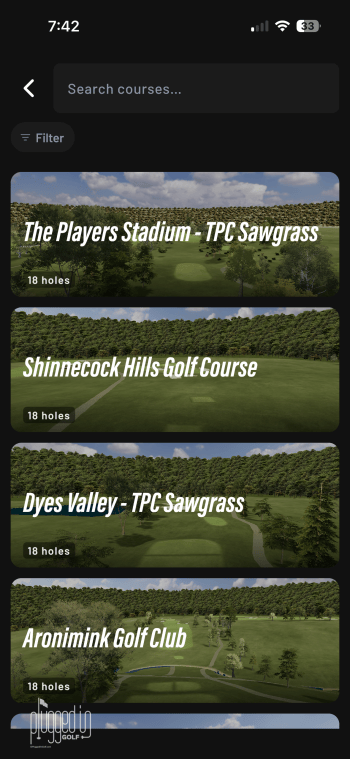
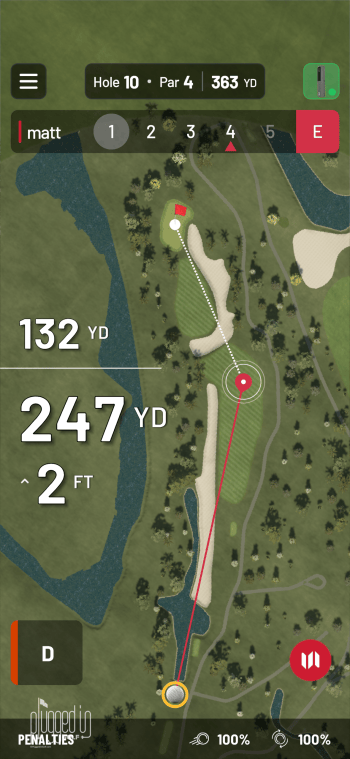
That brings us to another strength of the Rapsodo Mobile Golf App: golf simulation. With the Rapsodo Core membership, you gain access to simulated golf on over 30,000 courses. You can play anywhere from your neighborhood muni to major venues like Quail Hollow. If you want the most premium experience, you need the Rapsodo Studio membership. This unlocks 25 courses – famous tracks like Bethpage Black and Tobacco Road – with 4K graphics.
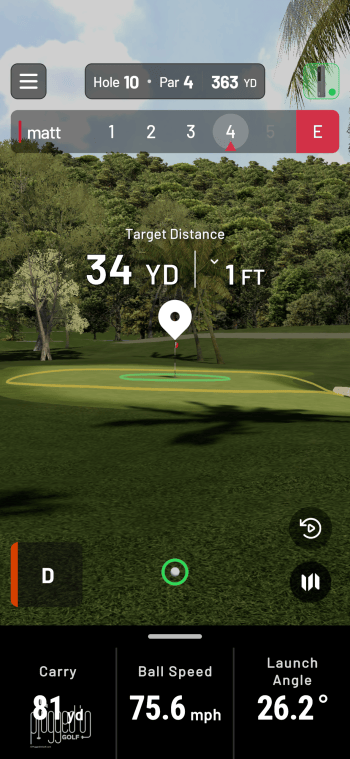
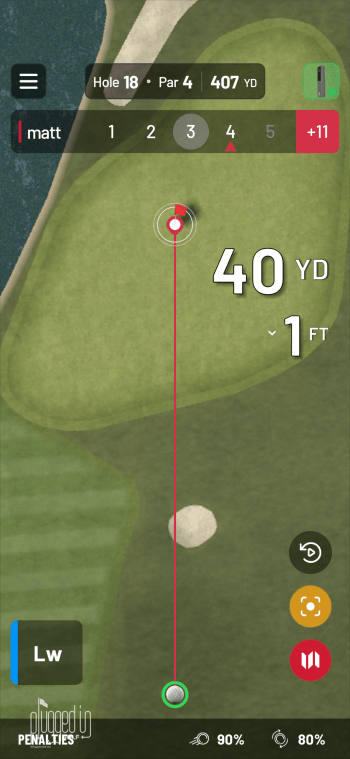
The simulated golf experience is quick and fun, just like the rest of the app. Everything runs smoothly, and there are plenty of options to suit all different types of golfers. One other upgrade over the original MLM2PRO is the addition of putting. Personally, I prefer auto-putt, but the Rapsodo MLM2XPRO gives you the choice.
Finally, with a subscription, the Rapsodo MLM2XPRO launch monitor will also support third party software for simulated golf. According to Rapsodo, the partners that they support include GSPro, E6 Connect, E6 Apex, and Awesome Golf
Value
The Rapsodo MLM2XPRO launch monitor retails for $899. This puts Rapsodo in an unusual place. It’s significantly less than the Foresight GC2 [review HERE] but almost double the Swing Caddie SC400 Pro [review HERE]. The closest comparison is the FlightScope Mevo Gen2 [review HERE], a device which earned solid marks from Matt Meeker.
Further complicating the value equation are the two tiers of annual memberships or subscriptions that are required to unlock all the features. Rapsodo Core is $199 per year, and it opens up all the data as well as all the premium practice modes, video feedback, and 30,000+ simulated courses. To get the 4K Course Library, you need to have the Rapsodo Studios membership which costs $399 per year. You do get a 21 day trial of Rapsodo Core and two playable 4K courses with your purchase.
Overall, I think the Rapsodo MLM2XPRO is a good value for the golfer who is going to use it predominantly or exclusively indoors and use it a lot. If you want to hit a few balls in your garage a couple times a month, the depth of the app is overkill. However, if you’re hitting balls most nights of the week, all of the extra practice modes and courses are worth the money. [See Price / Buy]
Conclusion
Golfers looking for a launch monitor are spoiled for choice right now. From $200 to $20,000, you can find compelling options. The Rapsodo MLM2XPRO launch monitor has a fantastic app and the ease of use is among the best available. At $899, the up front price is not prohibitive, but I wish the annual fee was less (preferably zero). Paying 22% of the purchase price just to unlock the majority of the app’s features is going to be a deal breaker for a lot of players. But, if you want the best, deepest consumer launch monitor app, this is it. [See Price / Buy]
Turn every swing into an opportunity to improve with the Rapsodo MLM2XPRO Golf Launch Monitor & Simulator. Combining Doppler radar technology with dual-camera tracking, the next-generation MLM2XPRO delivers detailed ball-flight and club-performance data, instant shot feedback, and immersive golf simulation in one connected system. Practice at the driving range, dial in your distances at home, or play virtual courses indoors while building a clearer understanding of your game.

He founded Plugged In Golf in 2013 with the goal of helping all golfers play better and enjoy the game more.
Matt lives in the northwest suburbs of Chicago with his wife and two daughters.
- Rapsodo MLM2XPRO Launch Monitor Review - November 2, 2026
- Aldila Rogue ∞ Red Shaft Review - October 30, 2026
- Ghost Golf – From Dirty Pants to Golf Sensation - October 28, 2026